
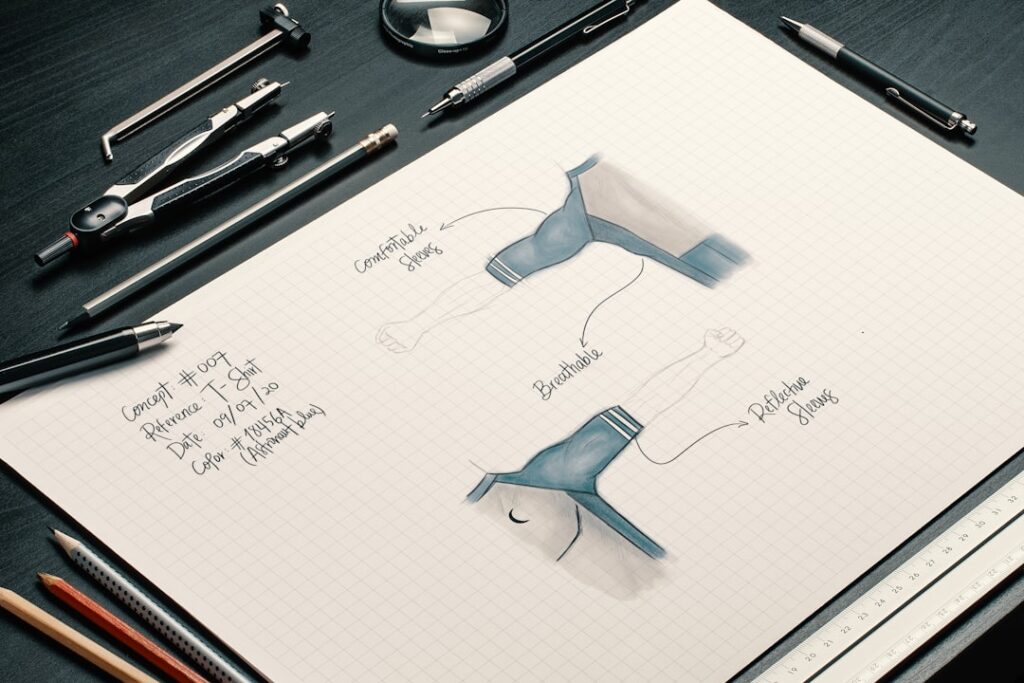
In the realm of design, the medium through which content is delivered plays a pivotal role in shaping user experience. The digital landscape, characterized by its dynamic nature, offers a plethora of platforms and devices, each with unique attributes that influence how information is consumed. Understanding the medium involves recognizing the differences between various devices, such as desktops, tablets, and smartphones, as well as the implications of these differences on design choices.
For instance, a website designed for a desktop may not translate effectively to a mobile device due to variations in screen size, resolution, and user interaction methods. Designers must consider these factors to create interfaces that are not only visually appealing but also functional and user-friendly across all platforms. Moreover, the medium also encompasses the technologies used to deliver content.
With the rise of web technologies such as HTML5, CSS3, and JavaScript frameworks, designers have more tools at their disposal than ever before. These technologies allow for the creation of rich, interactive experiences that can engage users in ways that static content cannot. However, this also means that designers must stay abreast of technological advancements and trends to ensure their designs remain relevant and effective.
Understanding the medium is not merely about recognizing the current state of technology; it also involves anticipating future developments and adapting designs accordingly to maintain a competitive edge.
Key Takeaways
- Understanding the medium: Consider the unique characteristics and limitations of digital platforms when designing for the web.
- User-centered design principles: Prioritize the needs and preferences of the end user to create a more intuitive and engaging experience.
- Typography and readability: Choose fonts and styles that enhance readability and legibility, especially on smaller screens.
- Color theory and accessibility: Use color combinations that are visually appealing and accessible to users with color vision deficiencies.
- Responsive design and mobile optimization: Ensure that the design adapts seamlessly to different screen sizes and devices for a consistent user experience.
User-centered design principles
User-centered design (UCD) is a philosophy that places the needs, preferences, and limitations of end-users at the forefront of the design process. This approach emphasizes empathy and understanding, requiring designers to engage with users through research methods such as interviews, surveys, and usability testing. By gathering insights directly from users, designers can identify pain points and areas for improvement, leading to more intuitive and effective solutions.
For example, a designer working on an e-commerce platform might conduct user interviews to understand how customers navigate the site and what obstacles they encounter during the purchasing process. This information can then inform design decisions that streamline navigation and enhance the overall shopping experience. Incorporating UCD principles also means iterating on designs based on user feedback.
Prototyping and testing are essential components of this iterative process, allowing designers to create low-fidelity mockups that can be quickly tested with real users. This approach not only helps identify usability issues early on but also fosters a culture of collaboration between designers and users. By involving users throughout the design process, designers can create solutions that are not only aesthetically pleasing but also genuinely meet the needs of their target audience.
Ultimately, user-centered design leads to products that resonate with users, resulting in higher satisfaction rates and increased engagement.
Typography and readability

Typography is a fundamental aspect of design that significantly impacts readability and user experience. The choice of typeface can convey a brand’s personality and tone while also influencing how easily users can consume content. For instance, serif fonts are often associated with tradition and reliability, making them suitable for formal contexts such as legal documents or academic publications.
In contrast, sans-serif fonts tend to evoke a modern and clean aesthetic, making them popular choices for digital interfaces where clarity is paramount. Designers must carefully consider the context in which their typography will be used to ensure it aligns with both the brand identity and user expectations. Readability extends beyond just font choice; it encompasses factors such as font size, line height, and letter spacing.
Research has shown that optimal line length—typically between 50 to 75 characters—enhances reading speed and comprehension. Additionally, adequate contrast between text and background colors is crucial for accessibility; low contrast can strain users’ eyes and hinder their ability to read content effectively. Designers should also be mindful of how typography scales across different devices; what may be legible on a desktop may become challenging to read on a smaller screen.
By prioritizing typography and readability in their designs, designers can create content that is not only visually appealing but also accessible to a diverse audience.
Color theory and accessibility
Color theory is an essential component of design that influences aesthetics, branding, and user interaction. Understanding how colors interact with one another can help designers create harmonious palettes that evoke specific emotions or responses from users. For example, warm colors like red and orange can stimulate excitement or urgency, making them effective for call-to-action buttons or promotional banners.
Conversely, cool colors such as blue and green often convey calmness and trustworthiness, making them suitable for financial or healthcare-related websites. Designers must be intentional about their color choices to ensure they align with the intended message and user experience. However, color theory extends beyond aesthetics; it also intersects with accessibility considerations.
Approximately 1 in 12 men and 1 in 200 women are affected by color vision deficiencies, which can make it challenging for some users to distinguish between certain colors.
Additionally, ensuring sufficient contrast between text and background colors is vital for readability.
Tools like contrast checkers can help designers assess whether their color combinations meet accessibility standards. By integrating color theory with accessibility principles, designers can create inclusive experiences that cater to all users.
Responsive design and mobile optimization
Responsive design is an approach that ensures websites adapt seamlessly to various screen sizes and orientations. With the proliferation of mobile devices, it has become increasingly important for designers to prioritize mobile optimization in their work. A responsive design employs fluid grids, flexible images, and media queries to create layouts that adjust dynamically based on the user’s device.
This approach not only enhances user experience but also improves search engine rankings; search engines like Google prioritize mobile-friendly sites in their results. Mobile optimization goes beyond just making a site responsive; it also involves considering how users interact with content on smaller screens. Touch gestures replace mouse clicks, necessitating larger buttons and touch targets for ease of use.
Additionally, mobile users often seek quick access to information; therefore, prioritizing content hierarchy becomes crucial in mobile design. Designers must ensure that essential information is readily accessible without overwhelming users with excessive content or navigation options. By embracing responsive design principles and focusing on mobile optimization, designers can create experiences that engage users regardless of the device they are using.
Grid systems and layout
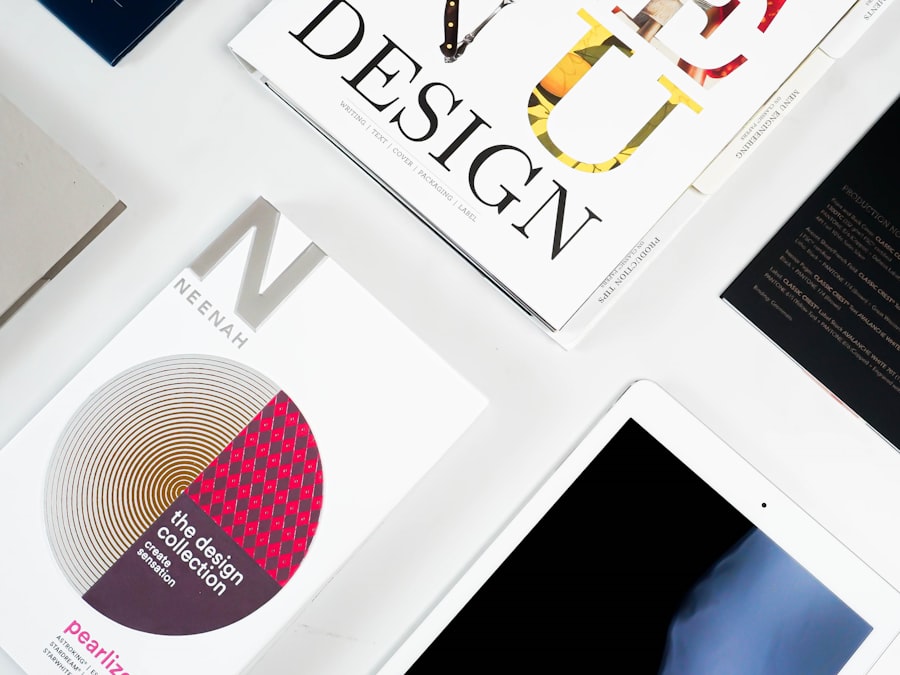
Grid systems serve as foundational frameworks for organizing content within a design layout. They provide structure and consistency while allowing for flexibility in how elements are arranged on a page. By utilizing grids, designers can create visually appealing compositions that guide users’ eyes through the content in a logical manner.
For instance, a well-structured grid can help balance text and images on a webpage, ensuring that neither overwhelms the other while maintaining visual harmony.
This consistency is particularly important in larger projects where multiple designers may contribute to different sections of a site or application.
By adhering to a grid system, teams can ensure that their designs remain cohesive even when individual styles vary. Additionally, grids can be adapted for responsive design; designers can create breakpoints within their grid systems to accommodate different screen sizes while maintaining visual integrity across devices.
Visual hierarchy and information architecture
Visual hierarchy is a critical principle in design that dictates how elements are arranged to guide users’ attention toward key information. By manipulating size, color, contrast, and placement, designers can create a clear path for users to follow as they navigate through content. For example, larger headlines typically draw more attention than smaller body text; therefore, using varying font sizes strategically can help emphasize important messages or calls to action.
Similarly, contrasting colors can highlight critical buttons or links within a layout. Information architecture (IA) complements visual hierarchy by organizing content in a way that makes it easy for users to find what they need. A well-structured IA involves categorizing information logically and creating intuitive navigation paths that align with users’ mental models.
For instance, an e-commerce site might group products by category (e.g., clothing, electronics) while also providing filters for price range or brand preferences. This organization allows users to quickly locate items of interest without feeling overwhelmed by excessive options. By integrating visual hierarchy with effective information architecture, designers can create experiences that facilitate exploration while ensuring users achieve their goals efficiently.
Collaboration and communication with developers
Effective collaboration between designers and developers is essential for bringing design concepts to life in a functional manner. Clear communication channels must be established early in the project lifecycle to ensure that both parties understand each other’s goals and constraints. Designers should provide developers with detailed specifications regarding layout dimensions, typography choices, color codes, and interactive elements to facilitate accurate implementation of their designs.
Additionally, involving developers in the design process from the outset can lead to more feasible solutions that account for technical limitations or challenges. For example, if a designer envisions an intricate animation but fails to consider performance implications on mobile devices, it could result in a subpar user experience once implemented. Regular check-ins throughout the project allow for ongoing feedback loops where both designers and developers can address potential issues before they escalate into larger problems.
By fostering a collaborative environment where both disciplines respect each other’s expertise, teams can produce high-quality products that meet user needs while adhering to technical requirements. This synergy ultimately leads to more successful outcomes as both design aesthetics and functionality are prioritized throughout the development process.
If you are interested in learning more about web design, you may want to check out the article “Hello World” on hellread.com. This article provides valuable insights and tips for creating engaging and user-friendly websites. It complements the concepts discussed in “Designing for the Web” by Mark Boulton, offering additional perspectives on how to design effective digital experiences.
FAQs
What is web design?
Web design is the process of creating the visual and functional elements of a website, including layout, color scheme, typography, and user interface.
What are the key principles of web design?
Key principles of web design include visual hierarchy, usability, accessibility, and responsive design to ensure the website is user-friendly and accessible across different devices.
What are the essential elements of web design?
Essential elements of web design include layout, color, typography, imagery, and navigation. These elements work together to create a visually appealing and functional website.
Why is web design important?
Web design is important because it directly impacts the user experience and can influence how visitors perceive a website and its content. A well-designed website can improve usability, accessibility, and overall user satisfaction.
What are some best practices for web design?
Best practices for web design include using a grid system for layout, choosing a cohesive color scheme, selecting readable typography, optimizing images for web, and ensuring the website is accessible to all users.
What is responsive web design?
Responsive web design is an approach to web design that ensures a website looks and functions well on a variety of devices and screen sizes, including desktops, laptops, tablets, and smartphones. This is achieved through flexible layouts and images, and media queries.




