
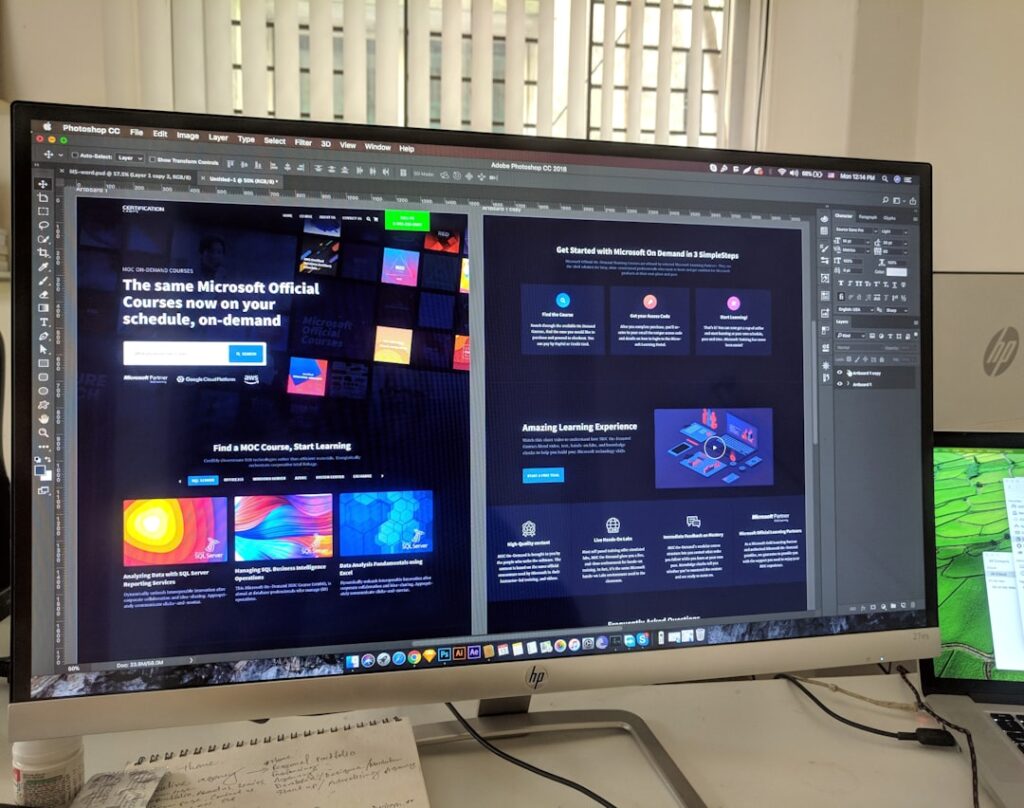
Web design is a multifaceted discipline that encompasses various elements, including layout, color schemes, typography, and overall aesthetics. At its core, web design is about creating an engaging and functional online experience for users. The primary goal is to ensure that visitors can easily navigate the site, find the information they need, and interact with the content in a meaningful way.
This involves not only visual appeal but also the underlying structure that supports usability and accessibility. A fundamental aspect of web design is understanding the target audience. Designers must consider who will be visiting the site and what their needs and preferences are.
This understanding informs decisions about layout, content organization, and visual elements. For instance, a website aimed at teenagers may employ vibrant colors and dynamic graphics, while a corporate site might favor a more subdued palette and straightforward navigation. By aligning design choices with user expectations, designers can create a more effective and engaging web experience.
Key Takeaways
- Understanding the basics of web design is essential for creating a successful website.
- Choosing the right tools and software can greatly impact the efficiency and quality of your web design process.
- Learning the fundamentals of HTML and CSS is crucial for building a strong foundation in web design.
- Incorporating user experience (UX) design is important for creating a website that is intuitive and user-friendly.
- Exploring responsive design and mobile optimization is necessary for ensuring that your website is accessible on all devices.
Choosing the Right Tools and Software
Selecting the appropriate tools and software is crucial for any web designer. The market offers a plethora of options, ranging from simple drag-and-drop website builders to complex integrated development environments (IDEs). For beginners, platforms like WordPress or Wix provide user-friendly interfaces that allow for quick setup and customization without requiring extensive coding knowledge.
These tools often come with pre-designed templates that can be tailored to fit specific needs, making them ideal for those just starting in web design. For more advanced users, software such as Adobe XD or Sketch offers powerful features for designing user interfaces and prototyping. These tools enable designers to create high-fidelity mockups and interactive prototypes, which can be invaluable for testing user interactions before development begins.
Additionally, code editors like Visual Studio Code or Sublime Text are essential for those who wish to write custom HTML, CSS, or JavaScript. The choice of tools ultimately depends on the designer’s skill level, project requirements, and personal preferences.
Learning the Fundamentals of HTML and CSS

HTML (Hypertext Markup Language) and CSS (Cascading Style Sheets) are the foundational languages of web development. HTML provides the structure of a webpage by defining elements such as headings, paragraphs, images, and links. Understanding how to effectively use HTML is essential for creating well-organized content that is both accessible and semantically correct.
For example, using appropriate heading tags (H1, H2, H3) not only helps with SEO but also improves the readability of the content for users and screen readers. CSS complements HTML by controlling the presentation of web pages. It allows designers to apply styles such as colors, fonts, spacing, and layout to HTML elements.
Mastering CSS involves understanding concepts like the box model, positioning, and responsive design techniques. For instance, using media queries enables designers to create styles that adapt to different screen sizes, ensuring a consistent experience across devices. By learning both HTML and CSS, aspiring web designers can gain the skills necessary to build visually appealing and functional websites.
Incorporating User Experience (UX) Design
User Experience (UX) design is an integral part of web design that focuses on optimizing the overall experience a user has when interacting with a website. This involves understanding user behavior, preferences, and pain points to create intuitive interfaces that facilitate easy navigation and interaction. A key component of UX design is conducting user research through methods such as surveys, interviews, or usability testing.
These insights help designers identify what works well and what needs improvement. Creating user personas is another effective strategy in UX design. By developing detailed profiles of typical users based on research data, designers can tailor their designs to meet specific needs and expectations.
For example, if a website targets busy professionals seeking quick information, the design should prioritize clarity and efficiency over elaborate graphics or complex navigation structures. Additionally, incorporating feedback loops—where users can provide input on their experiences—can lead to continuous improvements in the design process.
Exploring Responsive Design and Mobile Optimization
In today’s digital landscape, responsive design has become a necessity rather than an option. With an increasing number of users accessing websites via mobile devices, it is essential for designers to create sites that function seamlessly across various screen sizes and resolutions. Responsive design involves using flexible grids, layouts, and images that adapt to different devices while maintaining usability and aesthetics.
Mobile optimization goes hand-in-hand with responsive design but focuses specifically on enhancing the experience for mobile users. This includes optimizing loading times by compressing images and minimizing code, as well as ensuring that touch targets are appropriately sized for finger navigation. For instance, buttons should be large enough to tap easily without accidentally clicking adjacent links.
By prioritizing mobile optimization, designers can significantly improve user engagement and satisfaction.
Implementing Visual Design Principles

Visual design principles play a crucial role in creating aesthetically pleasing websites that effectively communicate messages to users. Key principles include balance, contrast, alignment, repetition, and proximity. Balance refers to distributing visual weight evenly across a layout; this can be achieved through symmetrical or asymmetrical arrangements of elements.
For example, a balanced layout might feature an image on one side of the page with text on the other side to create visual harmony. Contrast is another vital principle that enhances readability and draws attention to important elements.
Alignment helps create a sense of order by ensuring that elements are positioned in relation to one another in a cohesive manner. By applying these visual design principles thoughtfully, designers can create websites that are not only attractive but also functional.
Navigating the World of Web Hosting and Domain Names
Once a website has been designed and developed, it must be hosted on a server to be accessible on the internet. Web hosting services provide the infrastructure needed to store website files and deliver them to users’ browsers upon request. There are various types of hosting options available—shared hosting is often the most economical choice for small websites or personal projects; however, it may come with limitations in terms of performance and resources.
Choosing a domain name is equally important as it serves as the website’s address on the internet. A good domain name should be memorable, relevant to the content or brand it represents, and easy to spell. Domain registration typically involves purchasing the name from a registrar for a specified period; it’s essential to keep track of renewal dates to avoid losing ownership of the domain.
Additionally, considering factors such as domain extensions (.com, .org, .net) can impact branding and search engine visibility.
Tips for Launching and Maintaining a Successful Website
Launching a website is an exciting milestone; however, it requires careful planning to ensure success post-launch.
This includes checking for broken links, ensuring compatibility across different browsers and devices, and verifying that all forms function correctly.
Once launched, maintaining a website involves regular updates to content and software to keep it secure and relevant. Content management systems (CMS) often provide built-in tools for updating content easily; however, it’s also important to monitor site performance through analytics tools like Google Analytics. These insights can inform decisions about content strategy and user engagement efforts.
Additionally, engaging with users through social media or newsletters can foster community around the website while encouraging repeat visits. In conclusion, web design is an intricate process that combines creativity with technical skills. By understanding its fundamentals—from choosing the right tools to implementing effective UX strategies—designers can create websites that not only look good but also provide valuable experiences for users.
If you are interested in learning more about web design, you may want to check out the article “Hello World” on


