
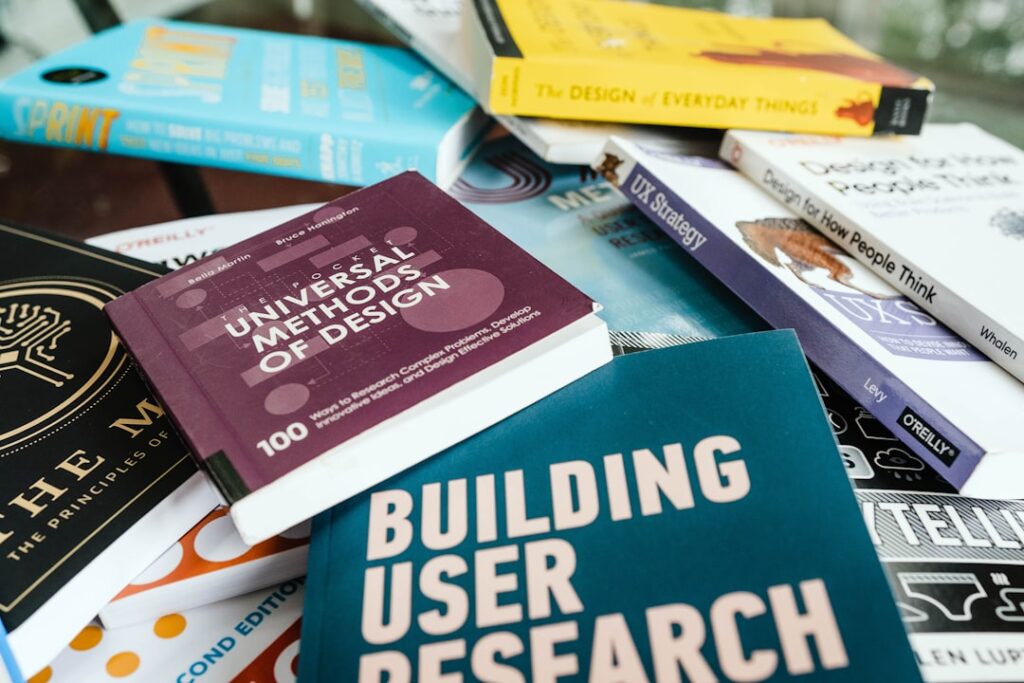
In the realm of user experience (UX) design, comprehending user needs and behaviors is paramount. This understanding serves as the foundation upon which effective design solutions are built. To truly grasp what users require, designers must engage in extensive research methodologies, including surveys, interviews, and observational studies.
For instance, a designer working on a mobile application for a fitness tracker might conduct interviews with potential users to uncover their motivations for tracking fitness data. Are they looking to lose weight, improve their health, or simply maintain a fitness routine?
Moreover, analyzing user behavior through analytics tools can provide invaluable insights into how users interact with existing products. For example, heatmaps can reveal which areas of a webpage attract the most attention, while session recordings can show how users navigate through an application. This data allows designers to identify pain points and areas of friction in the user journey.
If users consistently abandon a shopping cart at a particular stage, it may indicate that the checkout process is too complicated or that there are unexpected costs. By understanding these behaviors, designers can make informed decisions that enhance usability and ultimately lead to higher user satisfaction.
Key Takeaways
- Understanding user needs and behaviors is crucial for designing a successful user experience.
- Creating intuitive and user-friendly interfaces can improve user satisfaction and engagement.
- Effective information architecture helps users find what they need quickly and easily.
- Visual design can enhance user experience by guiding users and creating a cohesive look and feel.
- Implementing responsive and accessible design ensures that all users can access and use the product or service.
Creating Intuitive and User-Friendly Interfaces
An intuitive interface is one that feels natural to users, allowing them to navigate seamlessly without extensive guidance. The design of such interfaces hinges on principles of simplicity and clarity. For instance, a well-designed e-commerce website will feature a straightforward navigation bar that categorizes products logically, enabling users to find what they are looking for with minimal effort.
Icons should be universally recognizable, and actions like adding items to a cart or checking out should be clearly delineated. This clarity reduces cognitive load, allowing users to focus on their tasks rather than deciphering how to use the interface. In addition to simplicity, user-friendly interfaces often incorporate familiar design patterns that users have encountered in other applications.
For example, the use of a hamburger menu for mobile navigation has become widely accepted; users instinctively know that tapping this icon will reveal additional options. Consistency in design elements—such as button styles, color schemes, and typography—also plays a crucial role in creating an intuitive experience. When users encounter familiar elements across different platforms or applications, they feel more comfortable and confident in their interactions, leading to a more positive overall experience.
Incorporating Effective Information Architecture
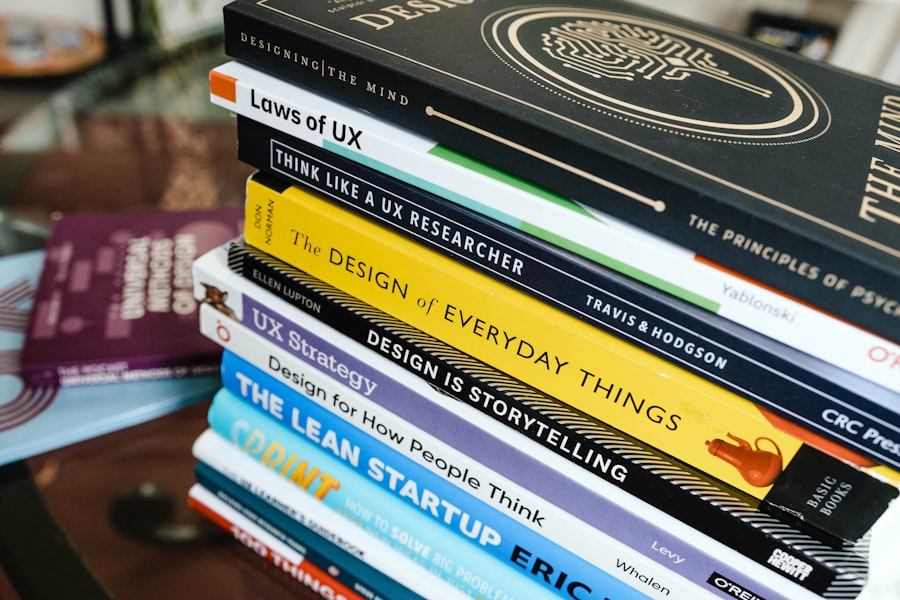
Information architecture (IA) is the structural design of shared information environments, and it is critical for ensuring that users can find what they need quickly and efficiently. A well-organized IA allows users to navigate through content without feeling overwhelmed or lost. For instance, a news website might categorize articles by topics such as politics, health, and technology, with subcategories for more specific subjects.
This hierarchical structure not only aids in content discovery but also enhances the overall user experience by providing clear pathways to information. To create effective information architecture, designers must consider the mental models of their users—how they think about and categorize information. Card sorting exercises can be particularly useful in this regard; they involve asking users to organize content into groups that make sense to them.
The results can inform the structure of the website or application, ensuring that it aligns with user expectations. Additionally, employing breadcrumb navigation can help users understand their current location within the site’s hierarchy and easily backtrack if needed. This thoughtful approach to IA not only improves usability but also fosters a sense of control and confidence among users.
Utilizing Visual Design to Enhance User Experience
Visual design is not merely about aesthetics; it plays a crucial role in enhancing user experience by guiding attention and conveying information effectively. Color theory, typography, and imagery all contribute to how users perceive and interact with a product. For example, using contrasting colors for call-to-action buttons can draw attention and encourage users to take desired actions, such as signing up for a newsletter or making a purchase.
Similarly, selecting appropriate fonts that are easy to read on various devices ensures that content is accessible to all users. Imagery also plays a significant role in visual design. High-quality images can evoke emotions and create connections with users, while infographics can simplify complex information into digestible formats.
For instance, a health app might use visual representations of data—such as graphs showing progress over time—to motivate users and provide them with insights into their habits. By thoughtfully integrating visual elements into the design process, designers can create experiences that are not only visually appealing but also functional and engaging.
Implementing Responsive and Accessible Design
In today’s digital landscape, where users access content across various devices and platforms, responsive design has become essential. A responsive website automatically adjusts its layout based on the screen size and orientation of the device being used. This adaptability ensures that users have a consistent experience whether they are browsing on a desktop computer or a smartphone.
For example, a responsive e-commerce site will rearrange product images and descriptions to fit smaller screens without sacrificing usability or aesthetics. Accessibility is another critical aspect of modern design practices. It involves creating products that can be used by individuals with varying abilities and disabilities.
Implementing accessibility features—such as alt text for images, keyboard navigation options, and screen reader compatibility—ensures that all users can engage with the content effectively. The Web Content Accessibility Guidelines (WCAG) provide a comprehensive framework for achieving accessibility standards. By prioritizing both responsive and accessible design principles, designers can create inclusive experiences that cater to a diverse audience.
Conducting User Testing and Iterative Design

Methods of User Testing
Various methods can be employed during user testing, including moderated sessions where participants complete tasks while verbalizing their thoughts or unmoderated remote testing where users interact with prototypes independently.
The Importance of Iterative Design
For instance, if a designer is developing a new feature for an app, conducting user testing can reveal whether users find it intuitive or if they encounter obstacles during use. Iterative design complements user testing by emphasizing continuous improvement based on user feedback. Rather than adhering strictly to an initial design concept, designers should be open to making adjustments throughout the development process.
Refining the Design
This might involve revisiting wireframes or prototypes based on insights gained from testing sessions. For example, if users struggle with a particular navigation element during testing, designers can refine it before final implementation. This iterative approach not only enhances the final product but also fosters a culture of collaboration and adaptability within design teams.
Balancing Functionality with Aesthetics
Striking the right balance between functionality and aesthetics is one of the most challenging aspects of UX design. While an aesthetically pleasing interface can attract users initially, it is functionality that keeps them engaged over time. Designers must ensure that visual elements do not overshadow usability; for instance, overly complex animations may distract from essential tasks or slow down performance.
A classic example is the minimalist design trend that emphasizes clean lines and ample white space—this approach not only enhances visual appeal but also improves readability and focus. Moreover, functionality should never be compromised for the sake of aesthetics. A beautifully designed website that takes too long to load or has convoluted navigation will frustrate users and lead to high bounce rates.
Designers must prioritize core functionalities while integrating visual elements that enhance rather than detract from the user experience. This balance requires ongoing collaboration between designers and developers to ensure that both aspects are harmoniously integrated throughout the design process.
Collaborating with Stakeholders for Successful User Experience Design
Collaboration among stakeholders is essential for creating successful user experience designs that meet business objectives while addressing user needs. Stakeholders may include product managers, developers, marketers, and even end-users themselves. Engaging these diverse perspectives early in the design process fosters a holistic understanding of project goals and constraints.
For instance, involving marketing teams can provide insights into target demographics and brand messaging that should be reflected in the design. Regular communication among stakeholders throughout the project lifecycle is crucial for maintaining alignment and addressing any emerging challenges promptly. Design sprints—intensive workshops where cross-functional teams collaborate on specific problems—can be particularly effective in generating innovative solutions while ensuring that all voices are heard.
By fostering an environment of collaboration and open dialogue, designers can create user experiences that not only delight users but also drive business success through increased engagement and satisfaction. In conclusion, effective user experience design is a multifaceted discipline that requires a deep understanding of user needs and behaviors, intuitive interfaces, effective information architecture, visual design principles, responsive accessibility measures, iterative testing processes, aesthetic-functionality balance, and collaborative stakeholder engagement. Each element plays a vital role in crafting experiences that resonate with users while achieving organizational goals.
If you’re interested in learning more about user experience design, you may also want to check out the article “Hello World” on Hellread. This article discusses the importance of creating a positive first impression for users and how to effectively engage them from the start. By incorporating the principles outlined in both articles, you can enhance the overall user experience of your website or app. com/2024/12/04/hello-world/’>Click here to read more.
FAQs
What is user experience (UX) design?
User experience (UX) design is the process of creating products, such as websites or applications, that provide meaningful and relevant experiences to users. It involves understanding the users’ needs and behaviors and designing the product to meet those needs in an intuitive and enjoyable way.
Why is user experience design important?
User experience design is important because it directly impacts how users interact with a product. A well-designed user experience can lead to increased user satisfaction, higher engagement, and ultimately, better business outcomes. It also helps to differentiate a product from its competitors.
What are the key principles of user experience design?
Some key principles of user experience design include understanding the user, designing for usability, providing clear and intuitive navigation, creating a consistent and cohesive design, and focusing on accessibility and inclusivity.
What are some common methods used in user experience design?
Common methods used in user experience design include user research, persona development, user journey mapping, wireframing and prototyping, usability testing, and iterative design processes.
What are some examples of great user experiences in products?
Some examples of great user experiences in products include the user-friendly interface of the iPhone, the intuitive design of the Airbnb website, the seamless checkout process on Amazon, and the easy-to-use navigation of Google Maps.




