
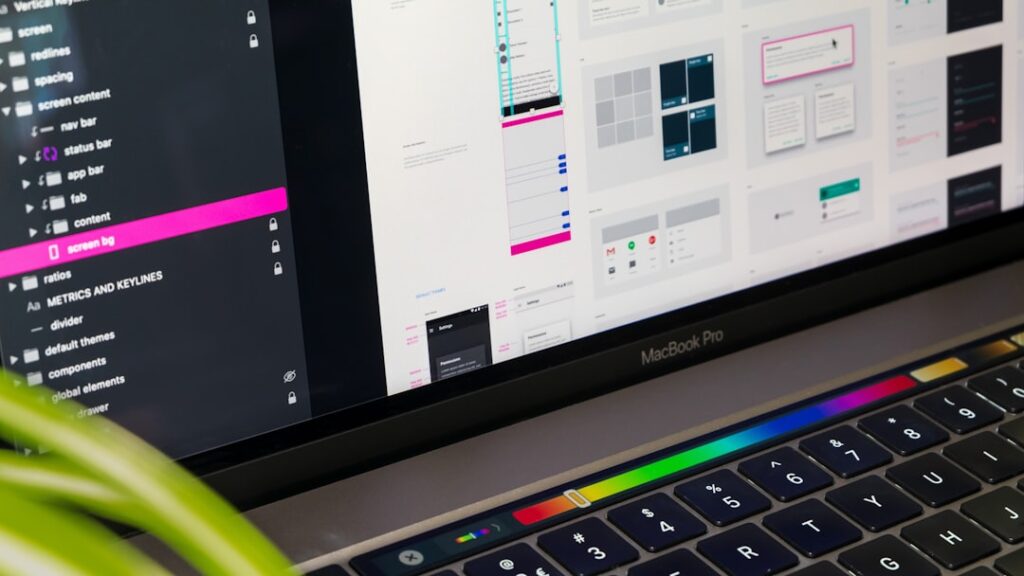
Microinteractions are the subtle, often unnoticed elements of user experience that play a crucial role in how users interact with digital products. These small design features can include anything from a button changing color when hovered over, to a notification appearing when a task is completed. While they may seem trivial at first glance, microinteractions are essential for creating a seamless and engaging user experience.
They serve as the connective tissue between users and the interface, providing feedback, guiding actions, and enhancing the overall usability of a product. The concept of microinteractions can be traced back to the early days of user interface design, but it has gained significant traction in recent years as digital products have become more complex. As users navigate through various applications and websites, they encounter numerous microinteractions that help them understand the system’s functionality.
These interactions are not just about aesthetics; they are about creating a dialogue between the user and the interface. By focusing on these small details, designers can significantly improve user satisfaction and engagement.
Key Takeaways
- Microinteractions are small, contained product moments that revolve around a single use case.
- Microinteractions play a crucial role in enhancing user experience and creating a more engaging and intuitive design.
- The principles of microinteractions include triggering, rules, feedback, and loops, which help in creating effective and user-friendly interactions.
- Successful microinteractions can be seen in popular apps like Instagram’s like button and Uber’s rating system, which enhance user engagement and satisfaction.
- Common mistakes in microinteraction design include neglecting user feedback, overcomplicating the interaction, and not considering the context of use.
Importance of Microinteractions in Design
Enhancing User Confidence
For instance, when a user sends a message in a chat application, a small animation indicating that the message is being sent can reassure them that their action was successful. This feedback loop is crucial for maintaining user confidence and trust in the system.
Aesthetic Appeal and Emotional Connection
Moreover, microinteractions contribute to the overall aesthetic appeal of a product. They can elevate the design from being merely functional to being delightful and engaging. A well-crafted microinteraction can evoke emotions and create memorable experiences for users. For example, the playful animation of a heart icon filling up when a user likes a post on social media not only serves a functional purpose but also adds an element of joy to the interaction.
Increasing User Loyalty and Retention
This emotional connection can lead to increased user loyalty and retention, as users are more likely to return to an application that provides enjoyable experiences.
Principles of Microinteractions

Designing effective microinteractions requires adherence to several key principles that ensure they enhance rather than detract from the user experience. One fundamental principle is clarity. Microinteractions should be intuitive and easily understood by users without requiring extensive explanation.
For instance, a loading spinner should clearly indicate that content is being processed, allowing users to anticipate when they can expect the next action to occur. If users are left confused about what an interaction means, it can lead to frustration and disengagement. Another important principle is consistency.
Microinteractions should align with the overall design language of the product and maintain uniformity across different contexts. This consistency helps users develop familiarity with the interface, making it easier for them to navigate and interact with various elements. For example, if a button changes color when hovered over in one part of an application, it should do so in all other instances where similar buttons appear.
This uniformity reinforces user expectations and contributes to a cohesive experience. Additionally, timing plays a critical role in microinteraction design. The duration of animations and transitions should be carefully considered to ensure they feel natural and responsive.
If an animation is too slow, it can create a sense of delay that frustrates users; conversely, if it is too quick, it may go unnoticed entirely. Striking the right balance is essential for maintaining engagement while providing adequate feedback.
Examples of Successful Microinteractions
Numerous applications and websites have successfully implemented microinteractions that enhance user experience and engagement. One notable example is the popular messaging app Slack. When users send messages, they receive immediate feedback through subtle animations that indicate the message is being sent and delivered.
The use of small icons that change states—such as a paper airplane morphing into a checkmark—provides clear visual cues that enhance communication efficiency. Another exemplary case is the online shopping platform Amazon. When users add items to their cart, a small animation occurs where the item appears to “fly” into the cart icon at the top of the screen.
This playful interaction not only confirms that the action has been completed but also adds an element of delight to the shopping experience.
Social media platforms also leverage microinteractions effectively.
Instagram’s heart icon animation when liking a post is another prime example. The heart expands and fills with color, providing immediate visual feedback that resonates emotionally with users. This simple yet effective interaction encourages users to engage more frequently with content, fostering a sense of community and connection.
Common Mistakes in Microinteraction Design
Despite their importance, many designers fall into common pitfalls when creating microinteractions. One prevalent mistake is overcomplicating interactions with excessive animations or effects that distract rather than inform users. While creativity is essential in design, it should not come at the expense of clarity and usability.
For instance, an overly elaborate loading animation may look visually appealing but can confuse users who are waiting for content to load.
Designers must ensure that all users, including those with disabilities, can perceive and interact with microinteractions effectively.
This includes providing alternative text for animations or ensuring that color changes are distinguishable for individuals with color blindness. Failing to consider accessibility can alienate significant portions of the user base and diminish overall user satisfaction. Additionally, inconsistency across different platforms or devices can lead to confusion among users.
If an application behaves differently on mobile versus desktop versions, it can disrupt the user’s flow and create frustration. Designers should strive for uniformity in microinteractions across all platforms to provide a seamless experience regardless of how users access the product.
Tools and Techniques for Implementing Microinteractions
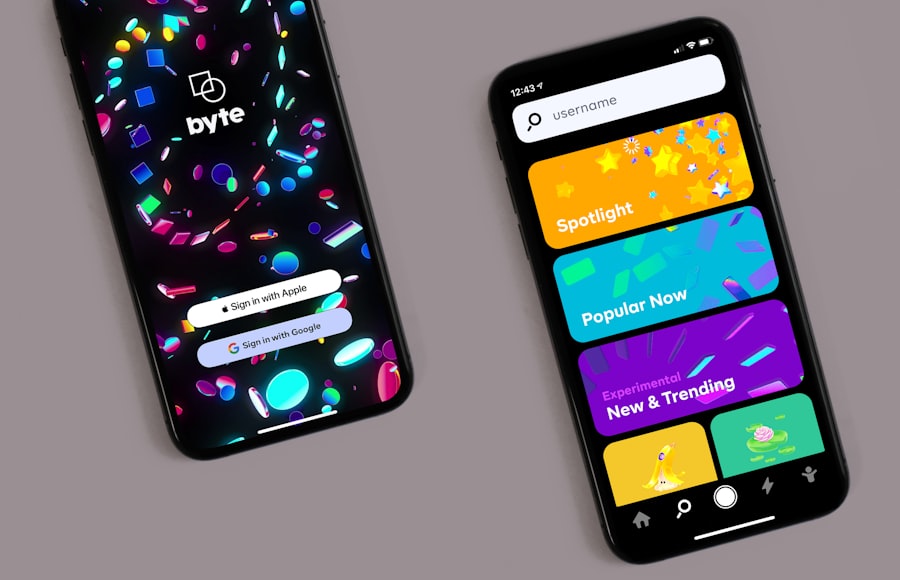
To effectively implement microinteractions in design projects, various tools and techniques are available that streamline the process and enhance creativity. Prototyping tools such as Adobe XD, Figma, and InVision allow designers to create interactive mockups that showcase microinteractions in real-time. These tools enable designers to experiment with different animations and transitions, facilitating collaboration with stakeholders and gathering user feedback early in the design process.
Animation software like After Effects can also be invaluable for creating more complex microinteractions. Designers can craft intricate animations that convey emotions or guide users through tasks effectively. By exporting these animations as GIFs or video files, they can be integrated into prototypes or final products seamlessly.
In addition to software tools, design systems play a crucial role in maintaining consistency across microinteractions within an organization’s products. A well-defined design system includes guidelines for animations, color schemes, and interaction patterns that ensure all team members adhere to established standards. This consistency not only enhances user experience but also streamlines collaboration among designers and developers.
Future Trends in Microinteraction Design
As technology continues to evolve, so too will the landscape of microinteraction design. One emerging trend is the integration of artificial intelligence (AI) into microinteractions, allowing for more personalized experiences based on user behavior and preferences. For instance, AI could analyze how users interact with an application over time and adjust microinteractions accordingly—offering tailored feedback or suggestions based on individual usage patterns.
Another trend is the increasing focus on voice interactions as voice-activated devices become more prevalent in everyday life. Designers will need to consider how microinteractions translate into voice interfaces, ensuring that auditory feedback complements visual cues effectively. This shift will require innovative thinking about how users engage with technology without traditional visual elements.
Furthermore, as augmented reality (AR) and virtual reality (VR) technologies gain traction, microinteractions will need to adapt to these immersive environments. Designers will face new challenges in creating intuitive interactions within 3D spaces while maintaining clarity and usability. The potential for engaging microinteractions in AR/VR settings opens up exciting possibilities for enhancing user experiences in gaming, education, and beyond.
The Impact of Microinteractions on User Experience
Microinteractions are far more than mere embellishments; they are fundamental components of effective design that significantly impact user experience. By providing feedback, enhancing usability, and fostering emotional connections between users and digital products, microinteractions play a pivotal role in shaping how individuals engage with technology. As designers continue to explore innovative ways to implement these subtle yet powerful elements, they will undoubtedly contribute to creating more intuitive and enjoyable experiences for users across various platforms and devices.
The future of microinteraction design holds immense potential for further enhancing user satisfaction and engagement in an increasingly digital world.
If you enjoyed reading “Microinteractions: Designing with Details” by Dan Saffer, you may also be interested in an article titled “Hello World” on Hellread. This article delves into the importance of simplicity and clarity in design, which are key principles discussed in Saffer’s book. To read more about this topic, check out the article here.
FAQs
What are microinteractions?
Microinteractions are small, contained product moments that revolve around a single use case—they are the “details” in a product that can make a big difference in the overall user experience.
Why are microinteractions important in design?
Microinteractions are important in design because they can enhance the overall user experience by providing feedback, guiding users, and adding delight to the interaction. They can also help in creating a more intuitive and engaging user interface.
What are some examples of microinteractions?
Examples of microinteractions include the sound made when a user clicks a button, the animation that occurs when a user completes a form, or the visual feedback given when a user hovers over a link.
How can designers create effective microinteractions?
Designers can create effective microinteractions by understanding the user’s needs and context, keeping the interactions simple and intuitive, providing clear feedback, and adding a touch of delight to the interaction.
What are the benefits of incorporating microinteractions in design?
Incorporating microinteractions in design can lead to improved user engagement, increased user satisfaction, and a more memorable and enjoyable user experience. They can also help in creating a more user-friendly and intuitive interface.




