
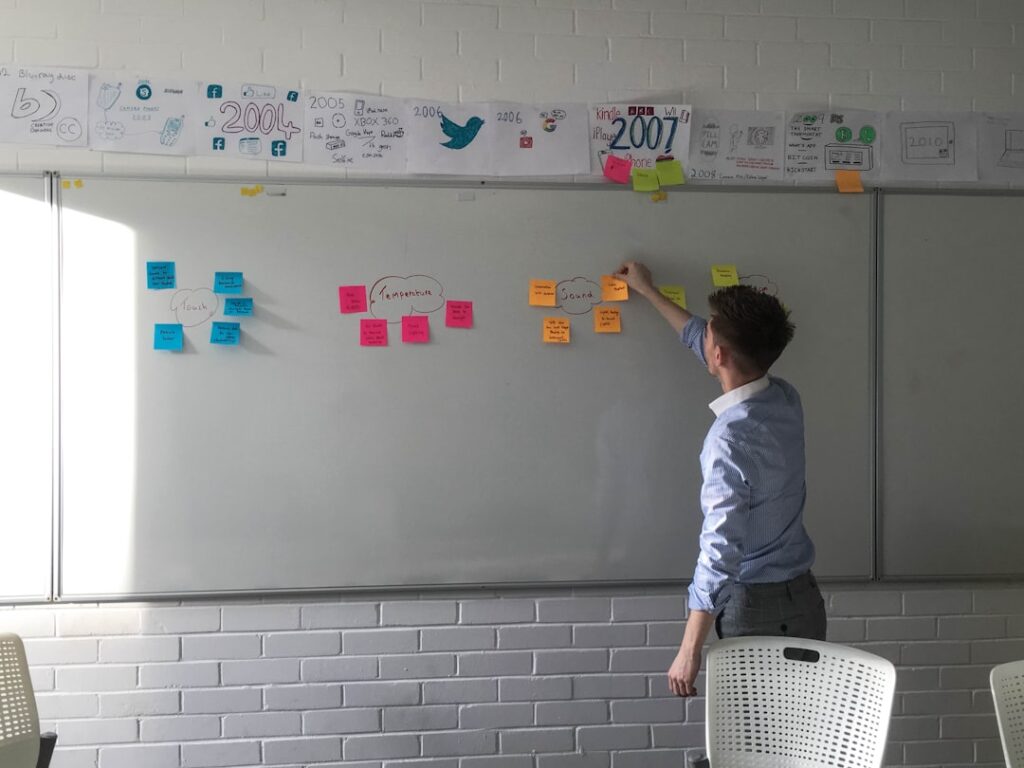
User Experience (UX) design is a multifaceted discipline that focuses on enhancing user satisfaction by improving the usability, accessibility, and pleasure provided in the interaction between the user and the product. At its core, UX design is about understanding the needs and behaviors of users to create products that are not only functional but also enjoyable to use. This involves a deep dive into various aspects of design, including information architecture, interaction design, and visual design.
The goal is to create a seamless experience that meets user expectations while achieving business objectives. To grasp the fundamentals of UX design, one must recognize that it is not merely about aesthetics or making things look pretty. Instead, it encompasses a holistic approach that considers the entire journey a user takes when interacting with a product or service.
This journey can be broken down into several stages, including awareness, consideration, acquisition, and retention. Each stage presents unique challenges and opportunities for designers to enhance the user experience. By employing techniques such as user personas, journey mapping, and usability testing, designers can gain insights into user behavior and preferences, allowing them to craft experiences that resonate with their target audience.
Key Takeaways
- UX design focuses on creating a seamless and enjoyable experience for users interacting with a product or website.
- User research is crucial in understanding the needs and behaviors of the target audience, leading to more effective web design.
- Designing for accessibility and inclusivity ensures that all users, regardless of ability, can access and use the website or product.
- Implementing UX principles in responsive web design ensures a consistent and optimized experience across different devices and screen sizes.
- Visual hierarchy plays a key role in guiding users’ attention and creating a clear and intuitive user interface.
The Importance of User Research in Web Design
Understanding User Needs and Context
For instance, a website designed for an e-commerce platform may require different features and functionalities compared to a site intended for educational purposes. Understanding the specific context in which users will interact with the site allows designers to tailor their approach accordingly.
Mitigating Risks and Fostering Improvement
By validating ideas through testing and feedback, designers can identify potential issues early in the development process. This iterative approach not only saves time and resources but also fosters a culture of continuous improvement. For example, if user testing reveals that visitors struggle to find key information on a website, designers can make informed adjustments to navigation or layout before the site goes live.
Driving Engagement through Effective Design
Ultimately, investing in user research leads to more effective designs that resonate with users and drive engagement. By prioritizing user needs and preferences, designers can create websites that are both functional and enjoyable, resulting in a better overall user experience.
Designing for Accessibility and Inclusivity
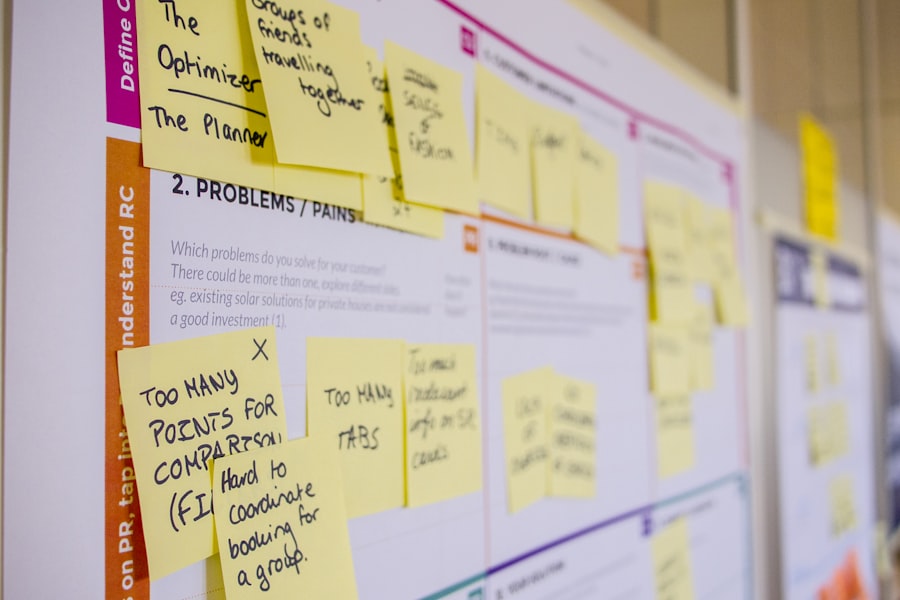
Accessibility and inclusivity are critical considerations in UX design, ensuring that products are usable by individuals with diverse abilities and backgrounds. Designing for accessibility means creating experiences that accommodate users with disabilities, such as visual impairments, hearing loss, or motor difficulties. This involves adhering to established guidelines like the Web Content Accessibility Guidelines (WCAG), which provide a framework for making web content more accessible.
For instance, using alt text for images allows screen readers to convey visual information to users who cannot see them. Inclusivity goes beyond accessibility; it encompasses designing for a wide range of cultural backgrounds, languages, and experiences. This can involve using culturally relevant imagery, providing multilingual support, or considering different learning styles when presenting information.
By prioritizing inclusivity in design, companies can reach a broader audience and foster a sense of belonging among users. For example, an educational platform that offers content in multiple languages and formats can better serve students from diverse backgrounds, enhancing their learning experience.
Implementing UX Principles in Responsive Web Design
Responsive web design is an essential aspect of modern UX design, as it ensures that websites function seamlessly across various devices and screen sizes. With the increasing prevalence of mobile browsing, it is imperative that designers adopt responsive principles to provide a consistent experience for all users. This involves using flexible grids and layouts that adapt to different screen dimensions while maintaining usability and aesthetic appeal.
For instance, a website designed with responsive principles will automatically adjust its layout when viewed on a smartphone versus a desktop computer. Incorporating UX principles into responsive design also means prioritizing performance and load times. Users expect fast-loading pages regardless of the device they are using; therefore, optimizing images and minimizing code can significantly enhance the overall experience.
Additionally, touch-friendly elements such as larger buttons and intuitive gestures should be considered for mobile users to facilitate easy navigation. By focusing on these aspects of responsive design, UX designers can create websites that not only look good but also function effectively across all platforms.
The Role of Visual Hierarchy in UX and Web Design
Visual hierarchy is a fundamental principle in UX and web design that guides users’ attention to the most important elements on a page. By strategically organizing content through size, color, contrast, and spacing, designers can create a clear path for users to follow as they navigate through information. For example, larger headlines typically draw more attention than smaller text, allowing users to quickly identify key topics or sections of interest.
Similarly, using contrasting colors for call-to-action buttons can make them stand out against the background, encouraging users to take desired actions. Effective visual hierarchy not only enhances usability but also contributes to the overall aesthetic appeal of a website. A well-structured layout with a clear hierarchy can create a sense of balance and harmony, making the content more digestible for users.
By mastering visual hierarchy, UX designers can ensure that users engage with content in a meaningful way while navigating through the site effortlessly.
Strategies for Creating Intuitive Navigation

Familiar Patterns and Conventions
One effective strategy for creating intuitive navigation is to employ familiar patterns and conventions that users already recognize from other websites. For instance, placing the main navigation menu at the top of the page or using recognizable icons for common actions can help users feel comfortable and confident as they explore.
Logical Organization
Another important aspect of intuitive navigation is ensuring that it is organized logically. Grouping related items together and using clear labels can significantly enhance usability. For example, an e-commerce site might categorize products by type or brand, allowing users to filter their search easily.
Context and Breadcrumb Navigation
Additionally, incorporating breadcrumb navigation can provide users with context about their current location within the site hierarchy, enabling them to backtrack effortlessly if needed. By prioritizing intuitive navigation strategies, designers can create an experience that feels natural and user-friendly.
The Impact of Color and Typography on User Experience
Color and typography play pivotal roles in shaping user experience by influencing emotions and perceptions associated with a brand or product. The choice of color palette can evoke specific feelings; for instance, blue often conveys trust and professionalism, while warmer colors like red or orange may evoke excitement or urgency. Designers must carefully consider how color choices align with brand identity while also ensuring sufficient contrast for readability and accessibility.
Typography is equally important in establishing a cohesive visual identity and enhancing readability. The selection of fonts should reflect the brand’s personality while remaining legible across various devices and screen sizes. Hierarchical typography—using different font sizes and weights—can guide users through content effectively by emphasizing key points or calls to action.
For example, using bold type for headings while employing lighter weights for body text creates a clear distinction between different levels of information. By thoughtfully integrating color and typography into their designs, UX professionals can significantly enhance user engagement and satisfaction.
Testing and Iterating for Continuous Improvement in UX Design
Testing and iteration are integral components of the UX design process that ensure products evolve based on real user feedback rather than assumptions. Usability testing allows designers to observe how users interact with their designs in real-time, identifying pain points or areas of confusion that may not have been apparent during the initial design phase. This process often involves creating prototypes—whether low-fidelity wireframes or high-fidelity mockups—that can be tested with actual users to gather insights on functionality and usability.
Iteration is equally important; it involves refining designs based on feedback received during testing sessions. This cyclical process encourages continuous improvement by allowing designers to make incremental changes that enhance user experience over time. For instance, if testing reveals that users struggle with a particular feature or find it difficult to navigate through certain sections of a website, designers can implement changes based on those insights before conducting further tests.
This commitment to testing and iteration not only leads to better-designed products but also fosters a culture of responsiveness to user needs within organizations.
If you are interested in learning more about UX and web design, you may want to check out the article “Hello World” on


