
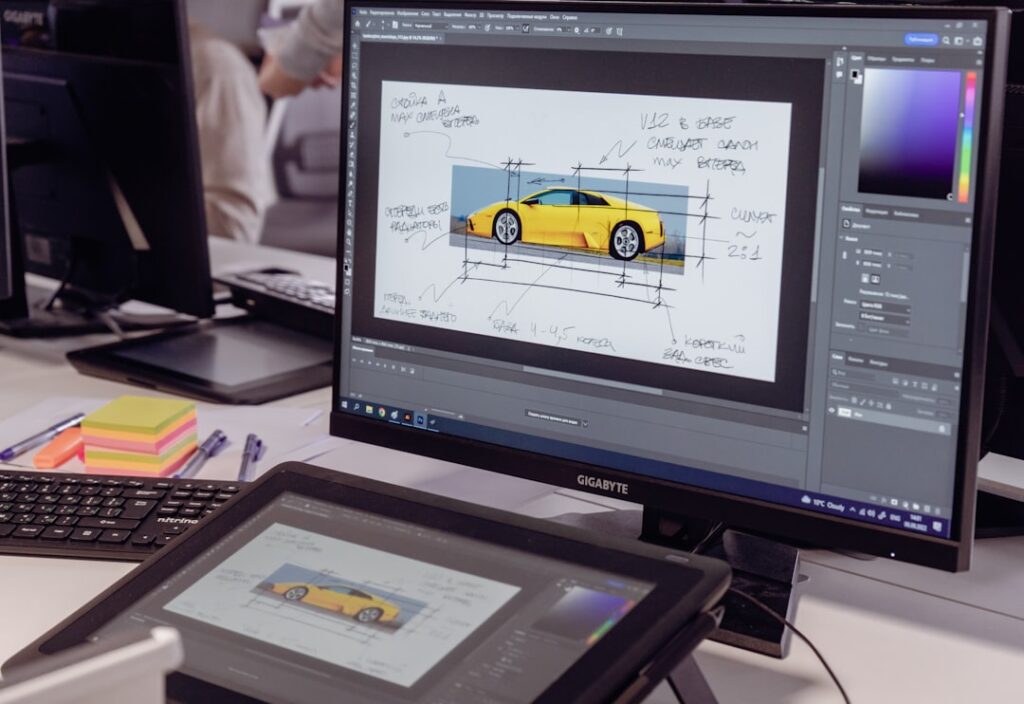
Prototyping serves as a critical bridge between conceptualization and realization in the design process. It allows designers to transform abstract ideas into tangible representations, enabling stakeholders to visualize and interact with a product before it is fully developed. This early-stage representation can take various forms, from low-fidelity sketches to high-fidelity interactive models, each serving a unique purpose in the design journey.
The significance of prototyping lies not only in its ability to clarify design intentions but also in its role as a communication tool that fosters collaboration among team members and stakeholders. Moreover, prototyping is instrumental in identifying potential issues early in the design process. By creating a prototype, designers can test assumptions, explore user interactions, and uncover usability challenges that may not be apparent through traditional documentation methods.
This iterative process of testing and refining helps to mitigate risks associated with product development, ultimately leading to a more user-centered final product. The ability to gather user feedback on prototypes allows designers to make informed decisions, ensuring that the end result aligns with user needs and expectations.
Key Takeaways
- Prototyping is crucial for user experience design as it allows for early testing and validation of ideas, saving time and resources in the long run.
- Choosing the right prototyping tools is essential for efficient and effective design iteration and user testing.
- Sketching techniques such as wireframing and storyboarding are valuable for quickly visualizing and communicating design ideas.
- Feedback from users and stakeholders should be actively incorporated into the prototyping process to ensure the final product meets their needs and expectations.
- Collaboration with stakeholders, including clients and end users, is key to creating successful prototypes that address real-world needs and challenges.
Choosing the Right Tools for Prototyping
Selecting the appropriate tools for prototyping is essential for maximizing efficiency and effectiveness in the design process. The landscape of prototyping tools is vast, ranging from simple paper-and-pencil methods to sophisticated software applications that enable interactive simulations. When choosing tools, designers must consider factors such as the fidelity of the prototype required, the complexity of the project, and the specific needs of the target audience.
For instance, low-fidelity tools like Balsamiq or Sketch are ideal for quick wireframing and brainstorming sessions, allowing teams to iterate rapidly without getting bogged down in details. On the other hand, high-fidelity prototyping tools like Figma or Adobe XD offer advanced features that facilitate interactive designs and realistic user experiences. These tools enable designers to create clickable prototypes that mimic the final product’s functionality, providing stakeholders with a more accurate representation of how users will interact with the design.
Additionally, many modern prototyping tools come equipped with collaboration features that allow multiple team members to work simultaneously, share feedback in real-time, and streamline the design process. Ultimately, the choice of prototyping tools should align with the project’s goals and the team’s workflow preferences.
Sketching Techniques for User Experience Design
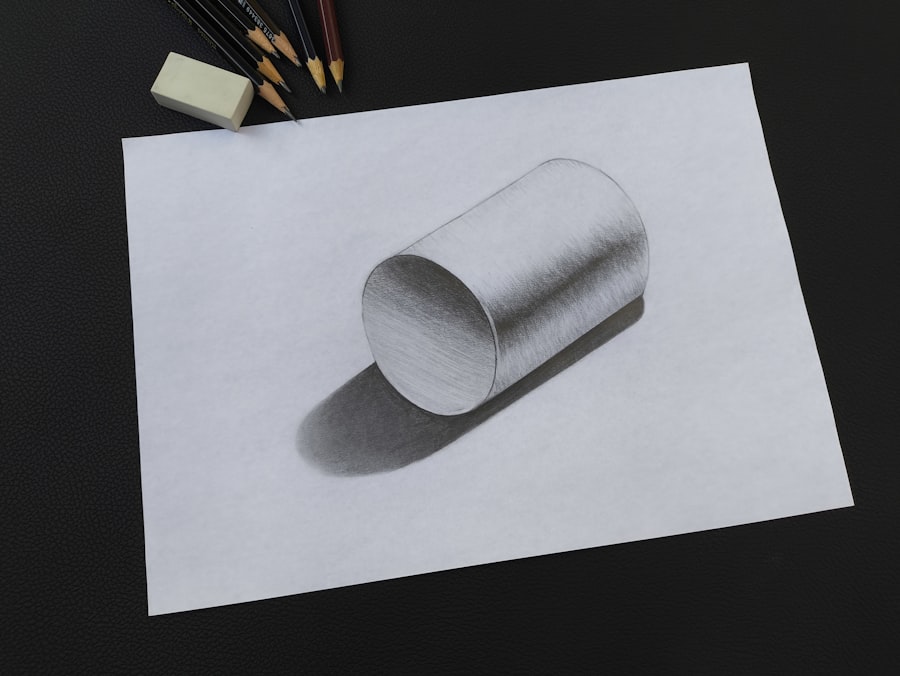
Sketching is a fundamental technique in user experience design that allows designers to quickly visualize ideas and concepts. It serves as a powerful tool for brainstorming and ideation, enabling designers to explore multiple design directions without committing significant resources. Techniques such as rapid sketching encourage designers to produce numerous iterations in a short amount of time, fostering creativity and innovation.
By sketching out various layouts, interactions, and user flows, designers can identify promising ideas that warrant further exploration. In addition to traditional sketching methods, digital sketching tools have gained popularity among UX designers. Applications like Procreate or Adobe Fresco allow for greater flexibility and precision while maintaining the spontaneity of hand-drawn sketches.
These digital platforms often include features such as layers and undo options, which can enhance the sketching process by allowing designers to experiment freely without fear of making irreversible mistakes. Furthermore, sharing digital sketches with team members or stakeholders can facilitate immediate feedback and collaboration, making it easier to refine ideas before moving on to more polished prototypes.
Incorporating Feedback into the Prototyping Process
Feedback is an integral component of the prototyping process, serving as a catalyst for improvement and refinement. Once a prototype has been developed, gathering input from users and stakeholders is crucial for identifying areas that require enhancement. This feedback loop can take various forms, including usability testing sessions, surveys, or informal discussions.
By actively seeking out diverse perspectives, designers can gain valuable insights into how users interact with their prototypes and what adjustments may be necessary to improve usability. Incorporating feedback effectively requires a structured approach. Designers should prioritize feedback based on its relevance and impact on user experience.
For instance, if multiple users struggle with a specific interaction or feature, it may indicate a fundamental flaw that needs addressing before proceeding further in the design process. Additionally, documenting feedback systematically can help track changes over time and ensure that all insights are considered during iterations. By fostering an open environment where feedback is welcomed and valued, teams can create a culture of continuous improvement that enhances the overall quality of their designs.
Collaborating with Stakeholders in the Prototyping Phase
Collaboration with stakeholders during the prototyping phase is essential for aligning design objectives with business goals and user needs. Engaging stakeholders early in the process allows designers to gather diverse perspectives and insights that can inform design decisions. This collaboration can take many forms, from workshops and brainstorming sessions to regular check-ins throughout the prototyping phase.
By involving stakeholders in discussions about design direction and priorities, teams can ensure that everyone is on the same page and working towards a common vision.
Designers should establish a framework for sharing updates on prototype progress and soliciting feedback from stakeholders at key milestones.
Utilizing collaborative tools such as Miro or Trello can facilitate transparency and keep everyone informed about project developments. Additionally, creating opportunities for stakeholders to interact with prototypes firsthand can foster deeper engagement and investment in the design process. By prioritizing collaboration, teams can leverage collective expertise to create more robust and user-centered designs.
Testing and Iterating Prototypes for User Feedback
Conducting User Testing Sessions
These sessions can be conducted in various formats, including moderated usability tests where facilitators guide users through specific tasks or unmoderated tests that allow users to explore independently.
Capturing Qualitative Data
Regardless of the format chosen, capturing qualitative data through observations and user comments is essential for understanding user behavior. Iteration is an inherent part of the prototyping process; it involves refining designs based on user feedback gathered during testing sessions.
Refining Designs and Enhancing Prototypes
After analyzing test results, designers should prioritize changes based on their potential impact on user experience. This iterative cycle of testing and refining allows teams to address usability issues proactively rather than waiting until later stages of development when changes may be more costly or time-consuming. By embracing an iterative mindset, designers can continuously enhance their prototypes until they align closely with user expectations.
Integrating Prototyping into the Design Process
Integrating prototyping into the overall design process is vital for creating a seamless workflow that prioritizes user experience at every stage. Prototyping should not be viewed as a standalone activity but rather as an integral part of an iterative design methodology such as Design Thinking or Agile development. In these frameworks, prototyping occurs alongside research, ideation, and testing phases, allowing teams to pivot quickly based on insights gained throughout the process.
To effectively integrate prototyping into the design workflow, teams should establish clear milestones where prototypes are created and tested at various fidelity levels. For example, initial low-fidelity prototypes may be used during early brainstorming sessions to explore concepts broadly before transitioning to higher-fidelity prototypes that focus on specific interactions or features. This structured approach ensures that prototyping remains a dynamic tool for exploration rather than a final step before development begins.
Case Studies and Examples of Successful Prototyping in User Experience Design
Examining case studies of successful prototyping in user experience design provides valuable insights into best practices and innovative approaches. One notable example is Airbnb’s use of rapid prototyping during its early stages of development.
By conducting usability tests with these prototypes, they identified critical pain points in user navigation and iterated on their designs before launching their platform. This emphasis on prototyping allowed Airbnb to create a user-friendly interface that contributed significantly to its success. Another compelling case study is that of Dropbox, which famously utilized a simple video prototype to validate its concept before building a full product.
The team created an explainer video demonstrating how users could store files in the cloud without developing any actual software initially. This approach not only helped them gauge interest but also attracted early adopters who provided valuable feedback on their needs and expectations. By leveraging this feedback during subsequent iterations of their product development process, Dropbox was able to refine its offering significantly before launch.
These examples illustrate how effective prototyping can lead to successful outcomes by enabling teams to validate ideas early on, gather user insights, and iterate based on real-world feedback. As organizations continue to recognize the value of user-centered design practices, integrating robust prototyping methodologies will remain essential for creating products that resonate with users and meet their evolving needs.
If you are interested in learning more about user experience design and prototyping, you may want to check out the article “Hello World” on hellread.com. This article provides insights into the basics of user experience design and how to get started with prototyping, which complements the concepts discussed in Bill Buxton’s book “Sketching User Experiences: Getting Started with Prototyping.” By reading both resources, you can gain a comprehensive understanding of the importance of prototyping in the design process and how it can enhance the user experience.
FAQs
What is sketching user experiences?
Sketching user experiences is a method used in the design process to visually communicate ideas and concepts for user interfaces and interactions. It involves creating quick, rough sketches to explore and iterate on design ideas.
What is prototyping in the context of user experience design?
Prototyping in user experience design involves creating a simplified version of a product or interface to test and validate design concepts. Prototypes can range from low-fidelity sketches to interactive digital mockups.
Why is sketching and prototyping important in user experience design?
Sketching and prototyping are important in user experience design because they allow designers to quickly explore and iterate on ideas, gather feedback from stakeholders and users, and test the usability of a design before investing in full development.
What are the benefits of using sketching and prototyping in the design process?
Some benefits of using sketching and prototyping in the design process include:
– Rapid exploration and iteration of design ideas
– Early identification of usability issues
– Effective communication of design concepts to stakeholders
– Reduced risk and cost of development by testing and validating ideas early on
What are some common tools and techniques for sketching and prototyping in user experience design?
Common tools and techniques for sketching and prototyping in user experience design include:
– Pen and paper for quick sketching
– Design software such as Adobe XD, Sketch, or Figma for digital prototyping
– Interactive prototyping tools like InVision or Axure for creating interactive mockups
– User testing and feedback sessions to gather insights and iterate on designs




