
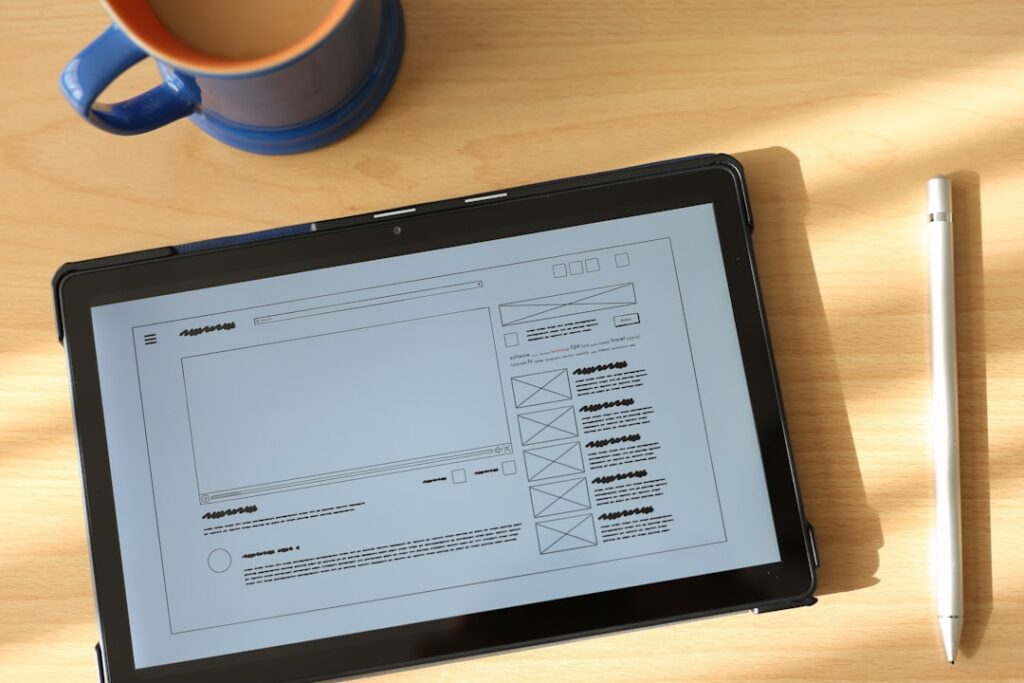
User Experience (UX) design plays a pivotal role in the gaming industry, serving as the bridge between players and the intricate worlds crafted by developers. A well-designed game interface can significantly enhance player engagement, satisfaction, and retention. When players interact with a game, they are not merely engaging with a series of mechanics; they are immersing themselves in an experience that should feel intuitive and rewarding.
A seamless UX design ensures that players can navigate through menus, understand game mechanics, and access information without frustration. For instance, consider the success of games like “The Legend of Zelda: Breath of the Wild,” where the interface is designed to be both functional and aesthetically pleasing, allowing players to focus on exploration rather than grappling with cumbersome controls. Moreover, the importance of UX design extends beyond mere functionality; it encompasses emotional engagement as well.
A thoughtfully crafted interface can evoke feelings of excitement, curiosity, and satisfaction. Games that prioritize UX design often see higher player retention rates because they create an environment where players feel comfortable and empowered. For example, “Stardew Valley” employs a simple yet effective interface that allows players to manage their farm without overwhelming them with information.
This balance between complexity and accessibility is crucial in ensuring that players remain invested in the game over time.
Key Takeaways
- UX design is crucial for creating a seamless and enjoyable gaming experience for players.
- Understanding user behavior and psychology is essential for designing game interfaces that engage and retain players.
- Effective UX design principles include simplicity, consistency, and feedback to enhance user experience in games.
- Visual design and aesthetics play a significant role in creating an immersive and visually appealing game UX.
- Interaction design greatly impacts user experience in games, and it is important to test and iterate designs for optimal results.
Understanding User Behavior and Psychology in Game Design
To create compelling game interfaces, designers must delve into user behavior and psychology. Understanding how players think, react, and interact with games is essential for crafting experiences that resonate with them. Cognitive load theory suggests that players can only process a limited amount of information at once.
Therefore, game designers must ensure that interfaces present information in a digestible manner. For instance, a complex RPG might use tooltips or contextual help to guide players through intricate systems without overwhelming them. This approach not only aids comprehension but also fosters a sense of mastery as players gradually learn the game’s mechanics.
Additionally, the concept of flow, introduced by psychologist Mihaly Csikszentmihalyi, is vital in game design. Flow occurs when players are fully immersed in an activity, experiencing a balance between challenge and skill. Designers can facilitate this state by creating interfaces that adapt to player behavior, offering hints or adjusting difficulty levels based on performance.
For example, games like “Celeste” utilize visual cues to guide players through challenging levels while maintaining a sense of accomplishment. By understanding these psychological principles, designers can create interfaces that not only engage players but also keep them coming back for more.
Principles of Effective UX Design for Game Interfaces
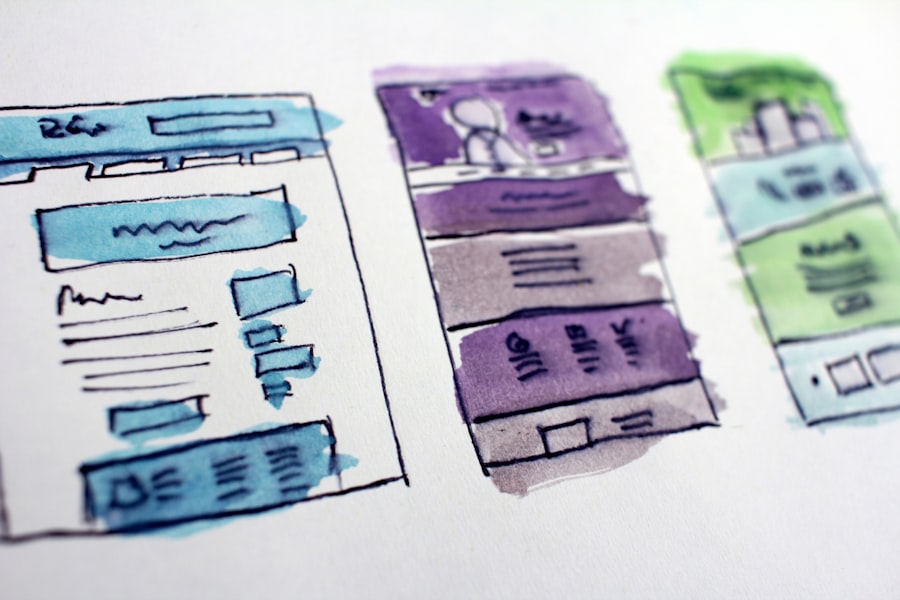
Effective UX design for game interfaces is grounded in several key principles that guide the development process. First and foremost is clarity. Players should be able to understand how to navigate the interface without extensive tutorials or guides.
This principle emphasizes the importance of intuitive layouts and recognizable icons. For instance, many games use universally understood symbols for actions like jumping or attacking, allowing players to quickly grasp the controls without needing to read lengthy instructions. Another critical principle is consistency.
A consistent interface helps players build familiarity with the game’s mechanics and navigation. This consistency can manifest in various ways, such as maintaining similar button layouts across different menus or using a cohesive color scheme throughout the game. For example, “Overwatch” employs a consistent visual language across its character selection screen and gameplay interface, making it easier for players to transition between different aspects of the game without confusion.
Feedback is also an essential component of effective UX design. Players need to receive immediate and clear feedback for their actions within the game. This feedback can take many forms, from visual effects that indicate successful actions to audio cues that signal achievements or failures.
In “Dark Souls,” for instance, the sound of a successful hit or the visual flash when dodging an attack provides players with instant feedback on their performance, enhancing their overall experience.
The Role of Visual Design and Aesthetics in Game UX
Visual design and aesthetics are integral to the overall user experience in games, influencing how players perceive and interact with the interface. A well-crafted visual design not only enhances the game’s atmosphere but also aids in usability. Color theory plays a significant role in this aspect; different colors can evoke specific emotions or convey information about gameplay elements.
For example, red often signifies danger or health loss, while green may indicate healing or safe zones. Designers must carefully consider these associations when creating their interfaces to ensure that visual cues align with player expectations. Furthermore, aesthetics contribute to immersion by reinforcing the game’s narrative and theme.
In games like “Journey,” the minimalist interface complements the emotional journey of the player, allowing them to focus on exploration and connection rather than being distracted by complex menus or HUD elements. The visual design should harmonize with gameplay mechanics to create a cohesive experience that draws players deeper into the game world. Additionally, typography plays a crucial role in visual design within game interfaces.
The choice of fonts can affect readability and set the tone for the game’s atmosphere. For instance, a horror game might use jagged or distorted fonts to evoke unease, while a whimsical platformer might opt for playful, rounded typefaces. Designers must strike a balance between creativity and functionality to ensure that text remains legible while enhancing the overall aesthetic appeal.
The Impact of Interaction Design on User Experience in Games
Interaction design focuses on how players engage with game interfaces and how those interactions shape their overall experience. This aspect of UX design encompasses everything from button layouts to gesture controls, all of which contribute to how intuitively players can navigate through a game. Effective interaction design considers the player’s physical actions and cognitive processes, ensuring that every interaction feels natural and rewarding.
For example, in first-person shooters like “Call of Duty,” interaction design is critical for ensuring that players can quickly aim, shoot, and reload without cumbersome delays. The layout of controls is designed for efficiency, allowing players to perform complex maneuvers seamlessly during high-stakes moments. This responsiveness is vital for maintaining immersion and keeping players engaged in fast-paced gameplay.
Moreover, interaction design must also account for different player preferences and play styles. Some players may prefer traditional controller inputs, while others might opt for keyboard and mouse setups or even touch controls on mobile devices. Games like “Fortnite” have successfully implemented customizable control schemes that allow players to tailor their experience according to their preferences.
By accommodating various interaction methods, designers can create more inclusive experiences that cater to a broader audience.
Testing and Iterating UX Design for Game Interfaces

Identifying Pain Points and Areas for Improvement
Observing players as they engage with the game allows designers to identify pain points and areas for improvement. For instance, during playtesting for “The Last of Us Part II,” developers gathered feedback on various interface elements such as inventory management and crafting systems. Players expressed confusion over certain menu layouts, prompting designers to iterate on those elements before final release.
Data-Driven Decision Making
This iterative process ensures that the final product aligns with player expectations and enhances overall usability.
By presenting two variations of an interface to different player groups and analyzing their interactions, designers can make data-driven decisions about which elements resonate more effectively with users.
Continuous Refinement through Player Feedback
This method allows for continuous refinement based on player feedback rather than relying solely on assumptions made during development.
Accessibility and Inclusivity in Game Interface Design
Accessibility and inclusivity are increasingly recognized as essential considerations in game interface design. Designers must strive to create experiences that are enjoyable for all players, regardless of their physical abilities or cognitive differences. This commitment involves implementing features such as customizable controls, colorblind modes, and text-to-speech options.
For example, games like “Celeste” have garnered praise for their accessibility features that allow players with varying abilities to enjoy the experience fully. The game includes options for adjusting difficulty levels, enabling assistive features like invincibility or slowed gameplay for those who may struggle with traditional mechanics. By prioritizing accessibility, developers not only expand their audience but also foster a more inclusive gaming community.
Moreover, inclusive design goes beyond physical accessibility; it also encompasses cultural representation within game interfaces. Designers should consider diverse perspectives when creating characters, narratives, and visual elements to ensure that all players feel represented and valued within the gaming space. Games like “Spiritfarer” exemplify this approach by incorporating themes of loss and cultural diversity into their narratives while providing an interface that resonates with a wide range of audiences.
Future Trends and Innovations in UX Design for Game Interfaces
As technology continues to evolve, so too does the landscape of UX design in game interfaces. One emerging trend is the integration of artificial intelligence (AI) into user experience design. AI can analyze player behavior in real-time, adapting gameplay elements or interface layouts based on individual preferences and skill levels.
This dynamic approach allows for personalized experiences that cater to each player’s unique style. Additionally, virtual reality (VR) and augmented reality (AR) are reshaping how players interact with game interfaces. These technologies offer immersive experiences that require new considerations for UX design.
In VR environments, designers must account for spatial awareness and intuitive gestures while ensuring that interfaces remain accessible within three-dimensional spaces. Games like “Half-Life: Alyx” have demonstrated how effective UX design can enhance immersion by seamlessly integrating HUD elements into the player’s field of view. Furthermore, cross-platform play is becoming increasingly prevalent in gaming, necessitating interfaces that function seamlessly across various devices.
Designers must create adaptable interfaces that maintain usability whether players are using consoles, PCs, or mobile devices. This trend emphasizes the importance of responsive design principles that ensure consistency across platforms while accommodating different input methods. In conclusion, as gaming technology advances and player expectations evolve, UX design will continue to play a crucial role in shaping engaging and immersive experiences within game interfaces.
By prioritizing user behavior understanding, effective principles of design, visual aesthetics, interaction dynamics, rigorous testing processes, accessibility considerations, and embracing future innovations, developers can create games that resonate deeply with diverse audiences while pushing the boundaries of what is possible in interactive entertainment.
If you’re interested in learning more about user experience design in the gaming industry, you may want to check out the article “Hello World” on Hellread. This article discusses the importance of creating engaging and intuitive interfaces for video games, which is a key aspect of UX design for game interfaces. You can read the article here.
FAQs
What is UX design for game interfaces?
UX design for game interfaces refers to the process of creating user-friendly and intuitive interfaces for video games. It involves designing the layout, controls, and overall user experience to ensure that players can easily navigate the game and have an enjoyable experience.
Why is UX design important for game interfaces?
UX design is important for game interfaces because it directly impacts the player’s experience. A well-designed interface can make the game more enjoyable and easier to play, while a poorly designed interface can frustrate players and lead to a negative experience.
What are some key principles of UX design for game interfaces?
Some key principles of UX design for game interfaces include simplicity, consistency, feedback, and accessibility. The interface should be easy to understand and navigate, with consistent design elements and clear feedback for player actions. It should also be accessible to players of all abilities.
How does UX design for game interfaces differ from other types of UX design?
UX design for game interfaces differs from other types of UX design in that it often involves more complex interactions and visual elements. Game interfaces may need to accommodate a wide range of player actions and provide feedback in real-time, which requires a different approach than designing interfaces for other types of software.
What are some common challenges in UX design for game interfaces?
Some common challenges in UX design for game interfaces include balancing aesthetics with functionality, accommodating different screen sizes and resolutions, and designing for a wide range of player abilities and preferences. Additionally, game interfaces often need to be updated and adapted as the game evolves, which can present ongoing challenges for designers.




