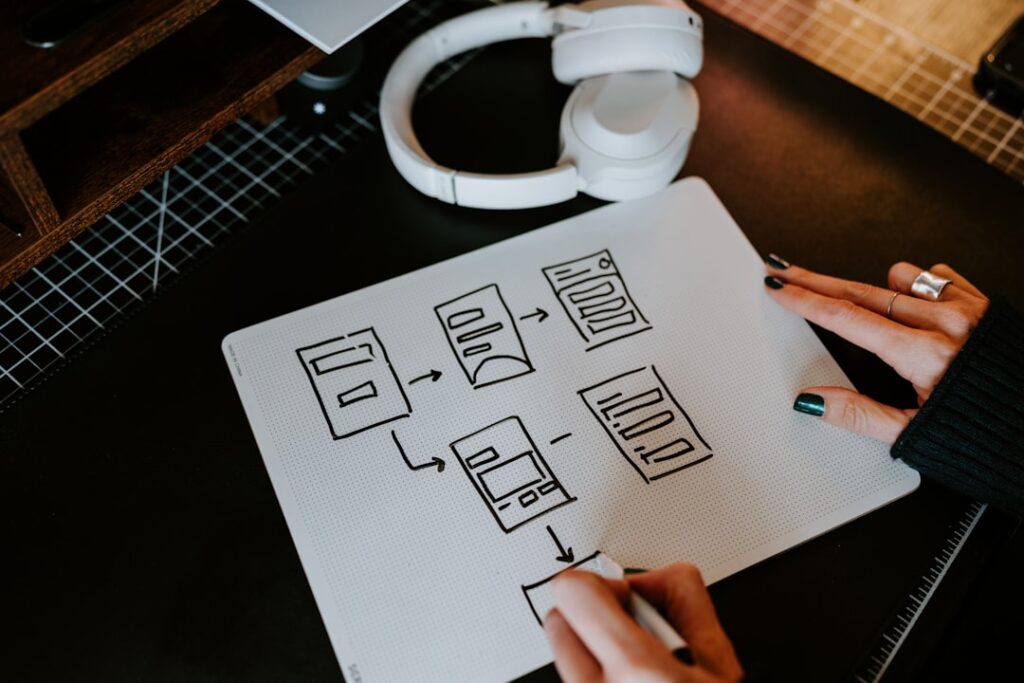
User Interface (UI) design is a critical aspect of creating digital products that are not only functional but also engaging and user-friendly. At its core, UI design focuses on the layout and interactive elements of a product, ensuring that users can navigate through applications and websites with ease. This discipline encompasses a variety of components, including buttons, icons, spacing, typography, and color schemes.
The goal is to create an interface that facilitates a seamless interaction between the user and the system, allowing users to achieve their objectives efficiently. The importance of UI design cannot be overstated in today’s digital landscape. With the proliferation of mobile devices and web applications, users are presented with a multitude of options.
A well-designed interface can significantly enhance user satisfaction and retention, while a poorly designed one can lead to frustration and abandonment. Understanding the nuances of UI design involves not only an appreciation for aesthetics but also a deep comprehension of user behavior and preferences. Designers must consider how users interact with technology, what their expectations are, and how to create an intuitive experience that meets those needs.
Key Takeaways
- User interface design focuses on creating interfaces that are easy to use and visually appealing for users.
- Principles of user interface design include simplicity, consistency, and feedback to enhance the user experience.
- Designing for user experience involves understanding user needs, behaviors, and emotions to create a seamless interaction.
- Visual design in user interface plays a crucial role in creating a visually appealing and engaging interface for users.
- Interaction design and usability focus on creating interfaces that are intuitive, efficient, and easy to use for users.
Principles of User Interface Design
The principles of user interface design serve as foundational guidelines that inform the creation of effective and engaging interfaces. One of the most critical principles is consistency. A consistent interface allows users to develop familiarity with the product, as they can predict how elements will behave based on their previous interactions.
This includes maintaining uniformity in visual elements, such as colors and fonts, as well as in functional elements like buttons and navigation menus. When users encounter a consistent design, they are more likely to feel comfortable and confident in their ability to use the product. Another essential principle is feedback.
Providing users with immediate and clear feedback after an action is crucial for maintaining engagement and ensuring that they understand the results of their interactions. For instance, when a user submits a form, a confirmation message or visual cue should appear to indicate that their action was successful. This feedback loop not only reassures users but also guides them through their journey within the interface.
Additionally, designers must consider the principle of simplicity; an interface should be as straightforward as possible, minimizing unnecessary complexity that could overwhelm or confuse users.
Designing for User Experience
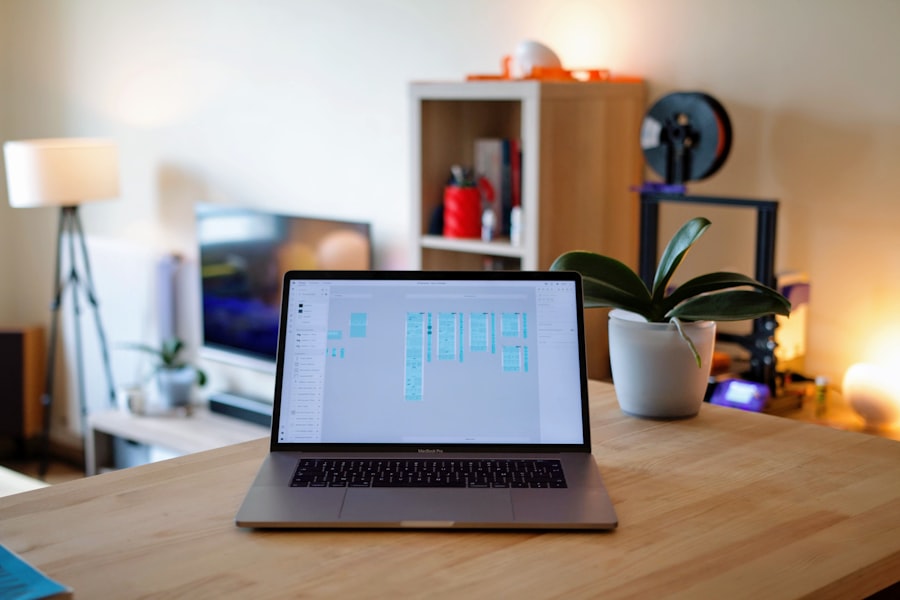
Designing for user experience (UX) goes beyond the visual aspects of an interface; it encompasses the overall journey a user takes when interacting with a product. This involves understanding user needs, behaviors, and pain points to create an experience that is not only functional but also enjoyable. A successful UX design process often begins with user research, which can include surveys, interviews, and usability testing to gather insights into what users truly want from a product.
Once designers have a clear understanding of user needs, they can create personas—fictional representations of target users that help guide design decisions. By keeping these personas in mind throughout the design process, teams can ensure that their solutions are tailored to meet specific user requirements. Furthermore, designing for UX involves creating user flows that map out the steps users take to complete tasks within the interface.
This strategic approach helps identify potential obstacles and areas for improvement, ultimately leading to a more satisfying user experience.
The Role of Visual Design in User Interface
Visual design plays a pivotal role in user interface design by enhancing usability and creating an emotional connection with users. The aesthetic elements of an interface—such as color palettes, typography, imagery, and layout—contribute significantly to how users perceive and interact with a product. For instance, color choices can evoke specific emotions; warm colors like red and orange may create feelings of excitement or urgency, while cooler colors like blue and green can convey calmness and trustworthiness.
Moreover, visual hierarchy is essential in guiding users’ attention to the most important elements on a page. By strategically using size, contrast, and spacing, designers can emphasize key actions or information, making it easier for users to navigate through content. Effective visual design not only enhances the overall look of an interface but also improves functionality by making it intuitive and easy to use.
When users find an interface visually appealing, they are more likely to engage with it positively, leading to increased satisfaction and loyalty.
Interaction Design and Usability
Interaction design focuses on creating engaging interfaces with well-thought-out behaviors and actions that facilitate user interaction. It encompasses everything from how users navigate through an application to how they interact with specific elements like buttons or sliders. A key aspect of interaction design is ensuring that these interactions are intuitive; users should be able to understand how to use an interface without extensive instructions or guidance.
Usability is closely tied to interaction design; it refers to how effectively users can achieve their goals within an interface. A usable product allows users to complete tasks efficiently while minimizing errors and frustration. To assess usability, designers often conduct usability testing sessions where real users interact with prototypes or live products.
Observing users as they navigate through an interface provides invaluable insights into potential pain points or areas for improvement. By iterating on designs based on this feedback, designers can create more effective interactions that enhance overall usability.
Accessibility and Inclusive Design
Accessibility in user interface design ensures that digital products are usable by people with diverse abilities and disabilities. This includes considering various factors such as visual impairments, hearing loss, motor skill challenges, and cognitive disabilities. Designing for accessibility means implementing features like screen reader compatibility, keyboard navigation options, and alternative text for images.
These considerations not only comply with legal standards but also expand the reach of products to a broader audience. Inclusive design goes a step further by actively seeking to accommodate the needs of all users from the outset rather than retrofitting accessibility features later in the design process. This approach involves engaging with diverse user groups during research and testing phases to gather insights that inform design decisions.
For example, when designing a website for a public service organization, involving individuals with disabilities in the testing phase can reveal unique challenges they face that may not be apparent to designers without similar experiences. By prioritizing accessibility and inclusivity, designers create interfaces that empower all users to engage fully with digital products.
User Interface Prototyping and Testing
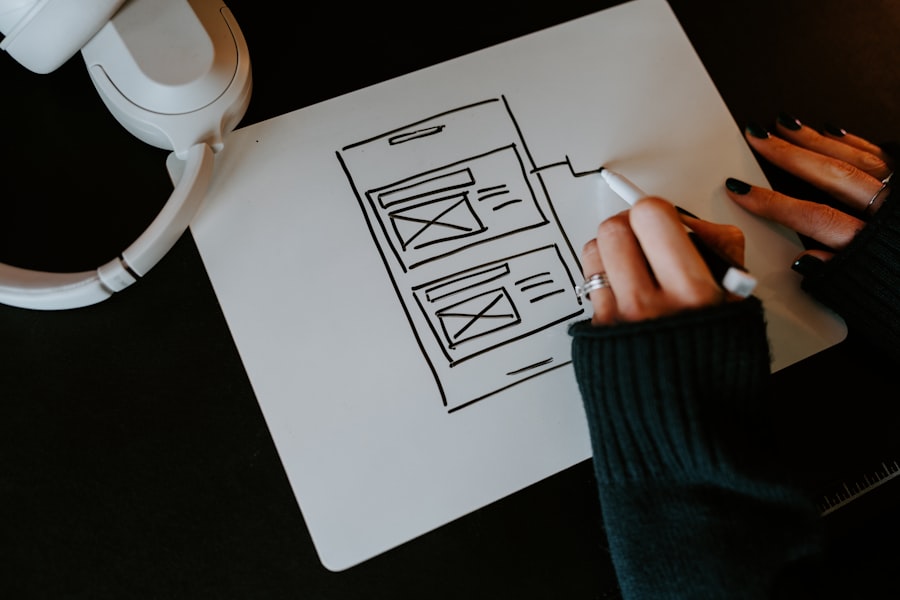
Prototyping is an essential step in the user interface design process that allows designers to visualize their ideas before full-scale development begins. Prototypes can range from low-fidelity wireframes that outline basic layouts to high-fidelity interactive models that closely resemble the final product. The primary purpose of prototyping is to test concepts early on, enabling designers to identify potential issues and gather feedback from stakeholders or end-users.
User testing is a critical component of this phase; it involves observing real users as they interact with prototypes to assess usability and gather insights into their experiences. This feedback can highlight areas where users struggle or express confusion, allowing designers to make informed adjustments before launching the final product. Iterative testing—where prototypes are refined based on user feedback—ensures that the final design aligns closely with user needs and expectations.
Trends and Future of User Interface Design
The field of user interface design is constantly evolving as technology advances and user expectations shift. One prominent trend is the increasing emphasis on voice user interfaces (VUIs) driven by the rise of smart speakers and voice-activated devices. As more users become accustomed to interacting with technology through voice commands, UI designers must adapt by creating interfaces that seamlessly integrate voice interactions alongside traditional touch-based inputs.
With advancements in artificial intelligence and machine learning, designers can create adaptive interfaces that respond to individual user preferences and behaviors. For example, e-commerce platforms may utilize algorithms to recommend products based on past purchases or browsing history, enhancing the overall shopping experience.
As we look toward the future of UI design, there is also a notable shift towards sustainability in digital products. Designers are increasingly considering the environmental impact of their work by optimizing performance to reduce energy consumption during usage or advocating for ethical practices in technology development. This holistic approach reflects a broader societal awareness of sustainability issues and highlights the role designers play in shaping not just user experiences but also responsible technology use.
In conclusion, user interface design encompasses a multifaceted approach that integrates principles of usability, accessibility, visual aesthetics, interaction design, and emerging trends. As technology continues to evolve, so too will the strategies employed by designers to create engaging and effective interfaces that meet the diverse needs of users across various platforms.
If you are interested in learning more about user interface design, you may want to check out the article “Hello World” on hellread.com. This article may provide additional insights and tips to complement the information found in The Essential Guide to User Interface Design By Wilbert O. Galitz. Happy reading!
FAQs
What is user interface design?
User interface design is the process of creating interfaces in software or computerized devices with a focus on enhancing user experience and usability. It involves designing the look and feel of the interface, as well as the interaction between the user and the system.
What are the key principles of user interface design?
Key principles of user interface design include simplicity, consistency, visibility, feedback, and affordance. These principles help to create interfaces that are intuitive, easy to use, and visually appealing.
Why is user interface design important?
User interface design is important because it directly impacts the user experience. A well-designed interface can make a product more user-friendly, increase user satisfaction, and ultimately lead to higher adoption and usage rates.
What are some common elements of user interface design?
Common elements of user interface design include buttons, menus, forms, icons, typography, color schemes, and layout. These elements are used to create a visually appealing and functional interface.
What are some best practices for user interface design?
Best practices for user interface design include conducting user research, creating user personas, prototyping and testing designs, following design patterns, and continuously iterating and improving the interface based on user feedback.
What are some popular tools for user interface design?
Popular tools for user interface design include Adobe XD, Sketch, Figma, InVision, and Axure RP. These tools are used for creating wireframes, prototypes, and mockups of user interfaces.