
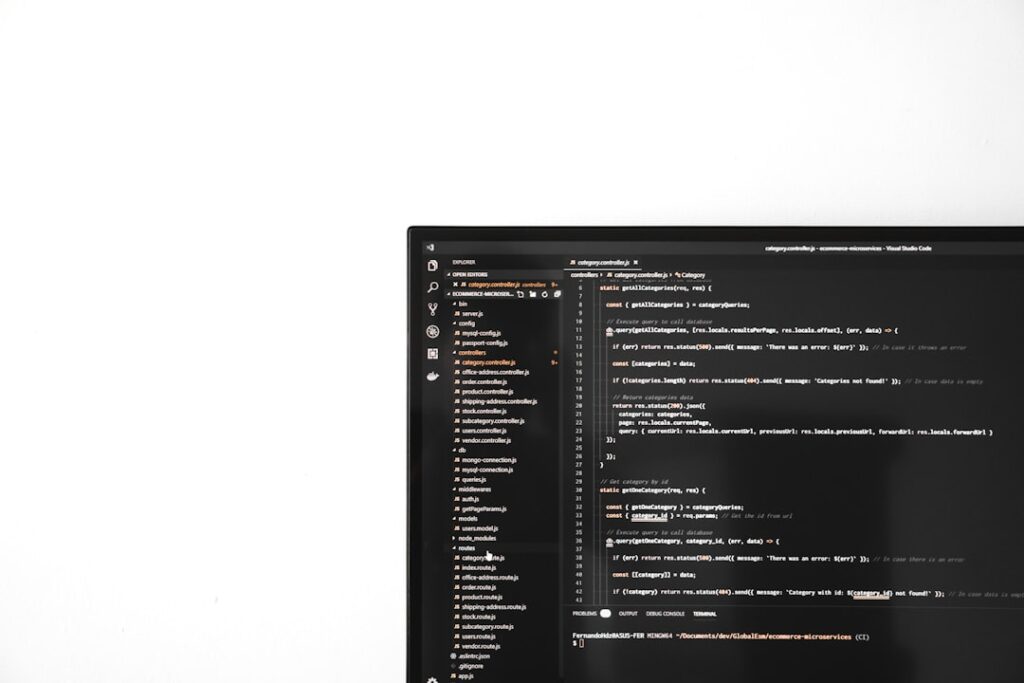
Web design is an essential aspect of modern web development, intertwining aesthetics with functionality to create engaging user experiences. For developers, understanding the principles of web design is crucial, as it allows them to build websites that are not only visually appealing but also user-friendly and efficient. The landscape of web design has evolved significantly over the years, influenced by technological advancements, changing user expectations, and the growing importance of mobile accessibility.
As developers delve into web design, they must grasp the fundamental concepts that govern how users interact with digital interfaces. The role of a developer in web design extends beyond mere coding; it encompasses a holistic understanding of how design choices impact user behavior and engagement. Developers must consider various elements such as layout, color schemes, typography, and navigation structures.
Each of these components plays a vital role in shaping the overall user experience. By integrating design principles into their development process, developers can create websites that not only meet functional requirements but also resonate with users on an emotional level. This article will explore key aspects of web design that developers should be familiar with, providing insights into how they can enhance their skills and deliver exceptional web experiences.
Key Takeaways
- Web design is essential for developers to create user-friendly and visually appealing websites.
- Understanding the basics of UI and UX design is crucial for creating a positive user experience.
- Responsive design and accessibility are important considerations for reaching a wider audience.
- HTML, CSS, and JavaScript are key tools for effective web design and development.
- Design frameworks and libraries can streamline the web design process and improve efficiency.
Understanding the Basics of User Interface (UI) and User Experience (UX) Design
User Interface (UI) and User Experience (UX) design are two critical components of web design that developers must understand to create effective digital products. UI design focuses on the visual elements of a website, including buttons, icons, spacing, and overall layout. It is concerned with how users interact with these elements and how they contribute to the overall aesthetic appeal of the site.
A well-designed UI ensures that users can navigate the website intuitively, finding the information they need without frustration. On the other hand, UX design encompasses the broader experience a user has while interacting with a website or application. It involves understanding user needs, behaviors, and motivations to create a seamless journey from entry to exit.
UX designers conduct research, create user personas, and develop wireframes to map out the user journey. For developers, collaborating closely with UX designers is essential to ensure that the technical implementation aligns with the intended user experience. This collaboration can lead to more informed decisions about layout, functionality, and interactivity, ultimately resulting in a product that meets user expectations.
Incorporating Responsive Design and Accessibility into Web Development

In today’s digital landscape, responsive design is no longer optional; it is a necessity. With an increasing number of users accessing websites from various devices—ranging from smartphones to tablets and desktops—developers must ensure that their designs adapt seamlessly to different screen sizes. Responsive design involves using flexible grids, layouts, and media queries to create a fluid experience that maintains usability across devices.
This approach not only enhances user satisfaction but also improves search engine rankings, as search engines prioritize mobile-friendly sites. Accessibility is another critical aspect that developers must prioritize in their web design efforts. Creating accessible websites means ensuring that all users, including those with disabilities, can navigate and interact with the content effectively.
This involves adhering to Web Content Accessibility Guidelines (WCAG), which provide a framework for making web content more accessible. Developers should implement features such as alt text for images, keyboard navigation support, and proper color contrast to accommodate users with visual impairments. By prioritizing accessibility alongside responsive design, developers can create inclusive digital experiences that cater to a diverse audience.
Utilizing HTML, CSS, and JavaScript for Effective Web Design
HTML, CSS, and JavaScript are the foundational technologies of web development and play a pivotal role in effective web design. HTML (HyperText Markup Language) serves as the backbone of any website, providing the structure and content that users interact with.
CSS (Cascading Style Sheets) complements HTML by controlling the presentation layer of a website. It allows developers to apply styles such as colors, fonts, spacing, and layout adjustments. Mastering CSS is essential for creating visually appealing designs that align with branding guidelines.
Additionally, CSS frameworks like Bootstrap or Tailwind CSS can expedite the styling process by providing pre-defined classes and components that developers can leverage. JavaScript adds interactivity to web pages, enabling dynamic content updates and enhancing user engagement. From simple animations to complex single-page applications (SPAs), JavaScript empowers developers to create rich user experiences.
Understanding how to manipulate the Document Object Model (DOM) using JavaScript is crucial for implementing interactive features such as form validation, modal windows, and real-time updates without requiring page reloads.
Implementing Design Frameworks and Libraries for Efficiency
To streamline the web design process and enhance productivity, developers often turn to design frameworks and libraries. These tools provide pre-built components and styles that can significantly reduce development time while ensuring consistency across projects.
In addition to CSS frameworks, JavaScript libraries such as jQuery or React can simplify complex tasks and improve code maintainability. jQuery allows developers to manipulate HTML documents easily and handle events without writing extensive JavaScript code. On the other hand, React provides a component-based architecture that promotes reusability and efficient rendering of UI elements.
By leveraging these frameworks and libraries, developers can focus on building unique features rather than reinventing the wheel for common functionalities. Moreover, utilizing design systems—comprehensive guidelines that encompass both visual design and code—can further enhance efficiency in web development projects. Design systems provide a cohesive set of components and styles that ensure consistency across different parts of a website or application.
By adhering to a design system, developers can maintain brand identity while speeding up the development process through reusable assets.
Optimizing Web Performance and Loading Speed

Web performance is a critical factor in user satisfaction and retention. Users expect websites to load quickly; delays can lead to frustration and increased bounce rates. Developers must prioritize performance optimization techniques to ensure that their sites deliver content swiftly and efficiently.
One fundamental approach is minimizing HTTP requests by combining CSS and JavaScript files or using image sprites to reduce the number of server requests. Another essential aspect of performance optimization is image optimization. Large image files can significantly slow down loading times; therefore, developers should use appropriate formats (such as WebP for modern browsers) and compress images without sacrificing quality.
Additionally, implementing lazy loading techniques allows images to load only when they enter the viewport, further enhancing perceived performance. Caching strategies also play a vital role in improving loading speed. By leveraging browser caching or server-side caching mechanisms like Content Delivery Networks (CDNs), developers can store static assets closer to users geographically, reducing latency and improving load times.
Regularly monitoring performance metrics using tools like Google PageSpeed Insights or GTmetrix can help identify bottlenecks and areas for improvement.
Integrating Visual Design and Branding into Web Development
Visual design and branding are integral components of web development that contribute significantly to a website’s identity and user perception. A cohesive visual identity helps establish trust and recognition among users while reinforcing brand values. Developers should work closely with designers to ensure that branding elements—such as logos, color palettes, typography, and imagery—are consistently applied throughout the website.
Color psychology plays a crucial role in branding; different colors evoke specific emotions and associations. For instance, blue often conveys trustworthiness and professionalism, while red can evoke excitement or urgency. Developers should understand these associations when implementing color schemes in their designs to align with brand messaging effectively.
Typography is another critical aspect of visual design that impacts readability and user experience. Choosing appropriate fonts that reflect the brand’s personality while ensuring legibility across devices is essential. Developers should also consider font pairing—combining different typefaces harmoniously—to create visual interest without compromising clarity.
Best Practices for Collaboration and Communication in Web Design Projects
Effective collaboration and communication are paramount in web design projects involving multiple stakeholders—developers, designers, project managers, and clients alike. Establishing clear channels of communication from the outset helps ensure that everyone is aligned on project goals, timelines, and expectations. Regular check-ins or stand-up meetings can facilitate ongoing discussions about progress and challenges.
Utilizing project management tools like Trello or Asana can enhance transparency by allowing team members to track tasks, deadlines, and responsibilities in real time. These tools enable teams to collaborate efficiently by providing visibility into each member’s contributions while fostering accountability. Moreover, incorporating feedback loops throughout the design process is essential for refining ideas and addressing concerns early on.
Conducting usability testing sessions with real users can provide valuable insights into how well the design meets user needs. By gathering feedback iteratively—whether through wireframes or prototypes—teams can make informed decisions that lead to better outcomes. In conclusion, effective collaboration hinges on mutual respect for each team member’s expertise while fostering an environment where ideas can be shared openly without fear of criticism.
By prioritizing communication and collaboration throughout the web design process, teams can create exceptional digital experiences that resonate with users while achieving project objectives efficiently.
If you enjoyed reading “Web Design for Developers” by Brian Hogan, you may also be interested in checking out the article “Hello World” on Hellread.com. This article discusses the basics of programming and serves as a great introduction for beginners looking to dive into the world of coding. You can read the article here.
FAQs
What is web design?
Web design refers to the process of creating the visual and functional elements of a website. This includes layout, color scheme, typography, and user interface design.
What is the role of a web designer?
A web designer is responsible for creating the look and feel of a website, including the layout, color scheme, and overall design. They also consider user experience and usability when designing a website.
What are the key principles of web design?
Key principles of web design include visual hierarchy, usability, navigation, and responsive design. These principles help ensure that a website is visually appealing and user-friendly.
What is the difference between web design and web development?
Web design focuses on the visual and user interface aspects of a website, while web development involves the technical implementation of the design, including coding and programming.
What are some essential skills for web designers?
Essential skills for web designers include proficiency in graphic design software, understanding of user experience principles, knowledge of HTML and CSS, and the ability to create responsive designs.
Why is web design important for developers?
Web design is important for developers because it helps create a user-friendly and visually appealing website. Understanding web design principles can also improve the overall quality of the websites developers create.




